Office technology is an integral part of business. It can positively and negatively impact many areas of an organization. The right technology enables communication, improves employee morale, drives productivity, fosters innovation, delivers competitive advantages, reduces costs, and much more. It also keeps the organization connected by linking remote employees, office workers, satellite teams, and partners together around the world. Investments in communication and network infrastructure ensure conversations remain open and secure. Office technology can also significantly impact employee morale. As your organization’s most important asset, it is important to keep their spirits high by investing in the right ways to improve health while removing stress borne from outdated equipment.
New technology placed in the hands of a collaborative and highly productive workforce generates even greater levels of output and innovation. Multi-monitor workspaces, interactive videoconferencing equipment, high-bandwidth network infrastructure, and computers with the latest processors are a few investments that will have a positive impact on workflow.
Through productivity gains and innovation breakthroughs, the latest office technology delivers a competitive advantage in the market over businesses not making the same investments. Supporting the health and wellbeing of your workforce attracts top talent, which further amplifies these gains and drives results.
These investments, if implemented with proper planning and execution, can significantly reduce costs by shortening processes and enable teams to focus on mission-critical projects that grow the business.
New technology placed in the hands of a collaborative and highly productive workforce generates even greater levels of output and innovation. Multi-monitor workspaces, interactive videoconferencing equipment, high-bandwidth network infrastructure, and computers with the latest processors are a few investments that will have a positive impact on workflow.
Through productivity gains and innovation breakthroughs, the latest office technology delivers a competitive advantage in the market over businesses not making the same investments. Supporting the health and wellbeing of your workforce attracts top talent, which further amplifies these gains and drives results.
These investments, if implemented with proper planning and execution, can significantly reduce costs by shortening processes and enable teams to focus on mission-critical projects that grow the business.



Office Technology Updates
Keep Me Informed of the Latest Office Technology News
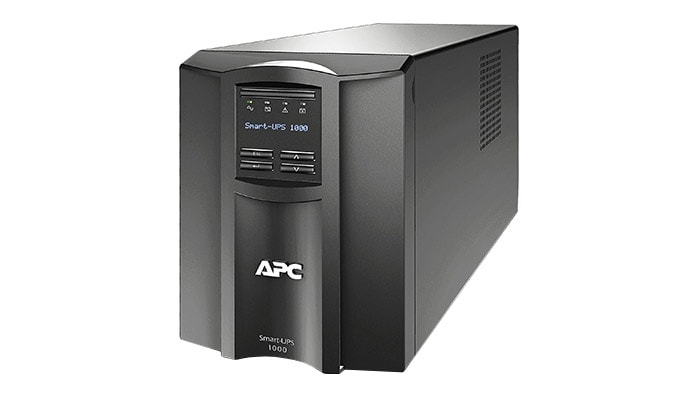
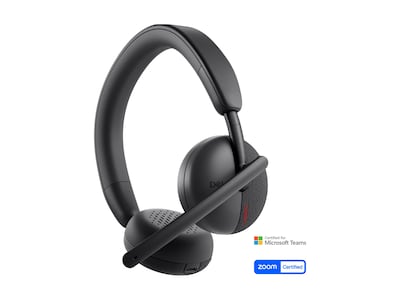
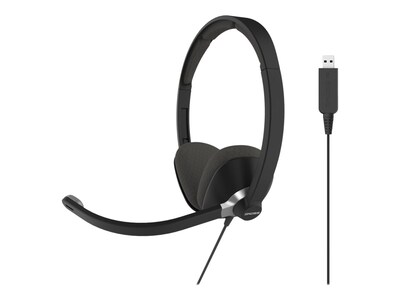
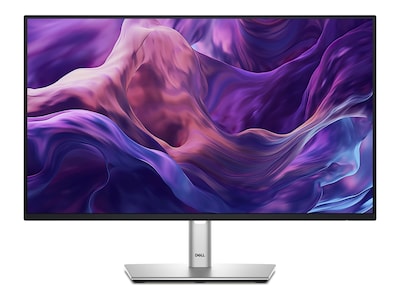
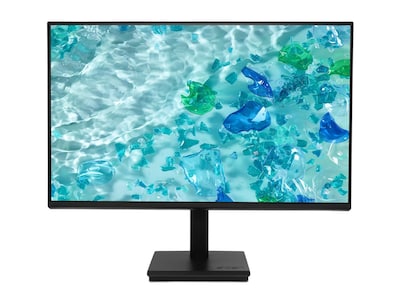
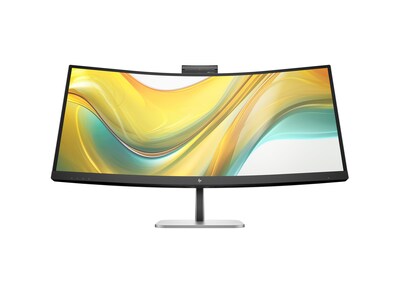
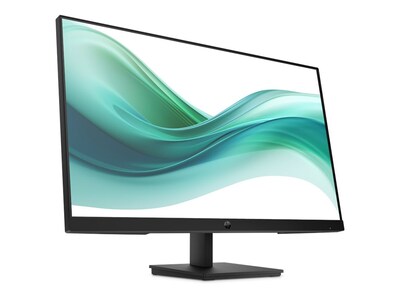
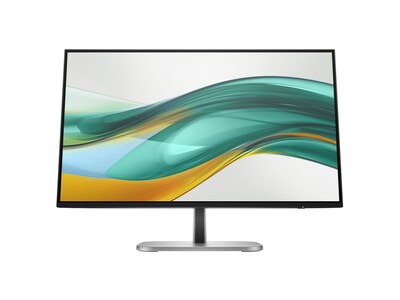
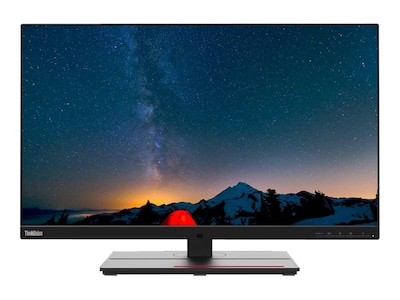
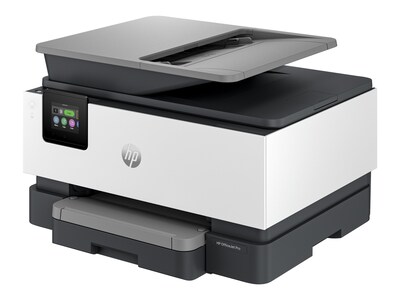
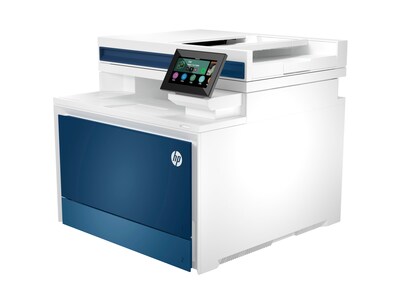
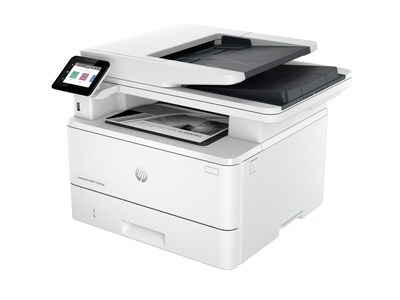
Featured Office Technology Products
Office Technology Virtual Showroom

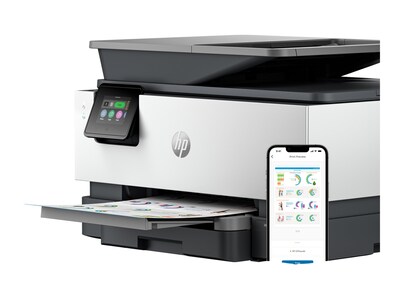
Small Business Printers
Printers are a very common sight in any office. They’re an essential technology used across many different industries and by businesses large and small. There is a wide selection of printers designed specifically for the printing needs of small businesses. So, no matter what your printing needs, there are printers to do the job.


Simplify the Complexity of Human Risk
Mimecast is a leading cybersecurity company transforming the way businesses manage and mitigate human risk. Its AI-powered, API-enabled connected human risk platform is purpose built to protect organizations from the spectrum of cyberthreats. Integrating cutting-edge technology with human-centric pathways, this platform enhances visibility and provides strategic insight.Boost Efficiency Before Windows 10 Support Ends
Accelerate workflows and simplify device management with Windows 11 Pro PCs and Intel vPro®.Upgrade before support ends October 14, 2025.

In-office Technology

Return to Office Solutions
Connection is uniquely positioned to help you navigate your return-to-office journey. Our experts can help you identify and select the right set of technologies that match your needs, environment, and goals. We’ve developed application frameworks to help ensure diverse technologies integrate seamlessly into one powerful, effective solution.- Remote Check-in and Continuous Location Tracing (CLT)
- Temperature Detection
- Touchless Entry
- Alerts and Info Sharing
- Smart Workspaces
- Augmented Mentoring
The Essential Office Technology Checklist for 2026

Workplace technology is now part of everyday operations. Devices, collaboration tools, and cloud applications are embedded in daily work, whether employees are in the office, remote, or moving between locations.
In 2026, the priority is making the technology organizations already rely on work reliably and consistently at scale. That challenge is growing as IT teams support more endpoints, more cloud services, and more users with limited time and tighter budgets. Recent security reporting shows that stolen credentials were involved in 88% of breaches tied to Web application attacks, underscoring how fragmented systems and inconsistent access controls increase risk as environments scale.
What separates productive workplaces from frustrating ones is no longer access to the latest tools. It is whether technology is predictable, secure, and easy to support at scale. The most effective office environments in 2026 are built on standardization, visibility, and disciplined lifecycle planning rather than one-off upgrades or feature-driven purchases.
In this article, we discuss six office technology trends shaping 2026 with clear guidance on what to standardize, upgrade, or simplify to reduce friction.
In 2026, the priority is making the technology organizations already rely on work reliably and consistently at scale. That challenge is growing as IT teams support more endpoints, more cloud services, and more users with limited time and tighter budgets. Recent security reporting shows that stolen credentials were involved in 88% of breaches tied to Web application attacks, underscoring how fragmented systems and inconsistent access controls increase risk as environments scale.
What separates productive workplaces from frustrating ones is no longer access to the latest tools. It is whether technology is predictable, secure, and easy to support at scale. The most effective office environments in 2026 are built on standardization, visibility, and disciplined lifecycle planning rather than one-off upgrades or feature-driven purchases.
In this article, we discuss six office technology trends shaping 2026 with clear guidance on what to standardize, upgrade, or simplify to reduce friction.
Trend 1: OS and Endpoint Readiness Becomes Everyday Hygiene
Endpoints are the foundation of modern work. When devices are outdated or inconsistent, problems surface quickly, with performance slowing, compatibility issues increasing, and security risks rising. For users, this shows up as frustration. For IT teams, it shows up as tickets and reactive work.Operating system timelines are also making endpoint readiness harder to ignore. Windows 10 support ended on October 14, 2025, pushing organizations to align device refresh plans with security and support requirements rather than stretching hardware until failure.
Organizations that standardize a small number of approved devices and peripherals tend to see smoother onboarding, fewer compatibility issues, and more predictable support costs. This approach works best when procurement, standards, and support are coordinated, so device choices don’t multiply helpdesk load.
What you can do now
- Define a short list of approved laptops and desktops by role instead of allowing one-off purchases.
- Align device refresh timing to operating system support timelines and security requirements.
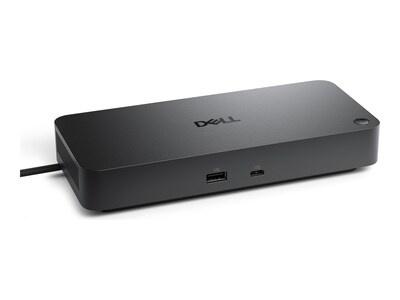
- Standardize everyday peripherals such as docks, monitors, and headsets to reduce variability.
Trend 2: Device Management Shifts from Setup to Visibility
As work becomes more distributed, device management is no longer just about getting machines ready for use. It is about maintaining visibility across devices wherever they are located. Without that visibility, IT teams are forced to react to problems after they affect users.Modern device management supports the kind of asset awareness and governance outlined in the NIST Cybersecurity Framework (CSF) 2.0, which emphasizes maintaining accurate inventories of hardware and software and managing them based on risk.
In practice, this means moving toward centralized management approaches that reduce manual effort and improve consistency across in-office and remote devices. Many teams move toward centralized management when they need consistent visibility and compliance across office and remote devices.
What you can do now
- Centralize device enrollment, updates, encryption, and application deployment in one management approach.
- Define minimum requirements for device access, such as current patches and basic security settings.
- Use automated provisioning to reduce hands-on setup and repeated rework.
Trend 3: Identity Becomes the Primary Security Control
The traditional workplace perimeter has faded. Users now access applications from many locations and devices, often through cloud platforms that sit outside the network. As a result, identity has become the most reliable point of control.Global incident data continues to show that stolen credentials and phishing remain common causes of incidents, particularly for cloud-based services. Inconsistent access rules or outdated permissions make these attacks easier.
In 2026, identity-first security is less about adding friction and more about creating clarity. Organizations are increasingly aligning identity controls with broader workplace security strategies, including access governance and endpoint trust.
What you can do now
- Apply multifactor authentication and single sign-on consistently across core applications.
- Remove standing access that users no longer need and limit permissions to what is required.
- Reduce shared accounts and ensure temporary access is reviewed and removed on schedule.
Trend 4: Wi-Fi and Networks Are Judged by Collaboration Quality
Network problems often become visible during meetings, not during testing. Video calls freeze, audio drops, and shared content lags, especially during busy hours. As cloud applications and collaboration tools become central to daily work, these moments carry real productivity costs.New wireless standards are designed to better support dense, high-traffic environments. Wi-Fi CERTIFIED 7 introduces improvements aimed at reliability and performance for collaboration-heavy use cases. But technology alone is not enough. Coverage, segmentation, and ongoing monitoring matter just as much.
Many organizations address this by revisiting their networking and wireless infrastructure strategy, ensuring it is designed for real-world collaboration loads rather than basic connectivity.
What you can do now
- Validate Wi-Fi coverage and performance during peak collaboration times, not just off-hours.
- Separate guest traffic from corporate and sensitive systems to improve performance and security.
- Monitor network health continuously so issues are visible before users report them.
Trend 5: Meeting Rooms Become Consistent Shared Workspaces
Meeting rooms are no longer occasional-use spaces. They’ve become everyday collaboration environments shared by in-office and remote participants alike. When room setups are inconsistent, meetings slow down before they even begin.Hybrid work research consistently points to the importance of predictable, easy-to-use collaboration experiences. In response, organizations are standardizing meeting rooms into a small number of repeatable setups rather than designing each space independently.
What you can do now
- Create two or three standard meeting room setups and replicate them across locations.
- Prioritize clear audio and proper camera placement over advanced features that go unused.
- Provide simple instructions and a clear support path so users know what to do when issues arise.
Trend 6: Lifecycle Discipline Reduces Cost and Risk
Technology costs are often hidden in unmanaged assets, underused print environments, and unclear end-of-life processes. Without structure, organizations face surprise replacements, security exposure from retired devices, and inefficient spending.Lifecycle discipline brings order to this complexity. It aligns with guidance from NIST CSF 2.0 and CISA, which emphasize maintaining, securing, and retiring systems appropriately to reduce operational and ransomware risk.
Organizations increasingly treat print, devices, and infrastructure as part of a unified lifecycle approach, often supported through managed print and IT asset disposition (ITAD) services that reduce risk while improving cost predictability.
What you can do now
- Review print usage and apply security controls for sensitive documents.
- Track assets from purchase through deployment, warranty, and retirement.
- Establish a repeatable end-of-life process that includes secure data removal and documented disposition.
Build a Safer, More Predictable Workplace in 2026
This year, success will be defined less by how much technology is added and more by how reliably it supports everyday work. When systems are consistent, expectations are clear, and complexity is kept in check, technology recedes into a supporting role and productivity takes center stage.To get your workplace technology ready for 2026, talk to a Connection specialist about building a secure, reliable roadmap for devices, collaboration spaces, networks, and lifecycle planning.
How to Improve Efficiencies in the Office
Seven Strategies to Revitalize Office Productivity
Returning to the office is an opportunity to rethink both the physical space and essential processes to eliminate pain points and increase efficiency. What aspects of your office setup should be in your sights as you find ways to help make the return to the office more productive than ever?The Ultimate Guide to Smart Office Technologies
The global smart office market is projected to grow at a CAGR of 12.92%, expanding from $34.34 billion in 2021 to $80.41 billion by 2028. Read this eBook to explore how to build a cohesive smart office strategy, the core technologies shaping modern workplaces, and the best practices for designing an innovative, future-ready workspace. Whether you’re upgrading an existing office or designing a new one, this blueprint will provide the insights you need to make smart office technology work for you.
Remote Work and Home Office Technology

It’s Time to Develop a Remote Work Stack
How to Choose the Right Equipment for Your Remote Workforce
A remote workforce offers your business many benefits. From the ability to tap into the world’s leading talent to strategically lowering your overhead, remote employees keep business moving forward even amid the most unexpected events.However, it’s important to take proactive steps to help your remote workers be as productive as possible. Invest in the hardware, software, and services needed to turbocharge their ability to get work done and serve customers from anywhere.
Working In a Remote World
It’s no longer necessary to be in an office full time to be a productive member of a team. Whether your teams are working remotely a few days a week or full time, this guide is for you.
From project management to relationship building to protective measures for cybersecurity—our guide to Working in a Remote World can help businesses, entrepreneurs, and employees create a strategy to achieve remote work success.

Hybrid Meeting Technology
Facilitating effective communication is crucial for successful collaboration within any organization, regardless of whether in office or working remotely. Utilize the best hybrid meeting technology to ensure seamless collaboration and maximize productivity.

How to Overcome Connectivity Challenges in Hybrid Work Environments

Hybrid work is no longer a passing trend; it has become the new standard. Globally, 98% of workers want the option to work remotely at least part of the time, and business leaders are taking note. Over the past two years, 95% of organizations have adopted more flexible work policies, with 82% planning to expand flexibility even further.
While this shift has increased employee engagement—hybrid workers report the highest engagement at 35%, compared to 27% for in-office employees—it also presents ongoing connectivity challenges that can hinder productivity and collaboration. Unreliable networks, security vulnerabilities, and bandwidth limitations can result in lost work hours, communication breakdowns, and frustrated employees. A poor connectivity experience not only slows down workflows but also increases IT support costs and security risks, making it essential for businesses to invest in scalable, high-performance network solutions.
This article explores how you can help hybrid teams stay connected, secure, and efficient.
While this shift has increased employee engagement—hybrid workers report the highest engagement at 35%, compared to 27% for in-office employees—it also presents ongoing connectivity challenges that can hinder productivity and collaboration. Unreliable networks, security vulnerabilities, and bandwidth limitations can result in lost work hours, communication breakdowns, and frustrated employees. A poor connectivity experience not only slows down workflows but also increases IT support costs and security risks, making it essential for businesses to invest in scalable, high-performance network solutions.
This article explores how you can help hybrid teams stay connected, secure, and efficient.
The Connectivity Challenges of Hybrid Work
As hybrid work becomes the standard, network reliability, security, and bandwidth limitations remain major obstacles. Many employees rely on residential Internet connections that struggle with videoconferencing, cloud applications, and large file transfers, especially during peak hours. Geographic disparities further complicate connectivity, as workers in rural areas face limited access to high-speed broadband. Additionally, 64% of organizations say their current network is made up of a patchwork of different supplier technologies, which has created inefficiencies for IT teams.Security is another growing concern, with 69% of organizations seeing a rise in network security threats due to remote work. Unsecured home networks, personal devices, and public Wi-Fi usage introduce vulnerabilities that cybercriminals can exploit. As hybrid workforces expand, businesses must adopt scalable, secure, and high-performance solutions to ensure seamless connectivity and data protection across all work environments.
How to Achieve Seamless Hybrid Connectivity
To overcome connectivity challenges, businesses must invest in technologies that enhance speed, security, and reliability for hybrid teams. Software-defined wide area networks (SD-WAN) optimize traffic flow, ensuring critical business applications get priority bandwidth while reducing latency and security risks. Mesh Wi-Fi networks eliminate dead zones in home and office setups, providing seamless, high-speed Internet coverage for uninterrupted collaboration.Cloud-based communication tools—like Zoom, Microsoft Teams, and Slack—enable real-time collaboration, reducing dependence on unreliable email chains. VPNs and Zero Trust security models further strengthen hybrid work environments by encrypting connections and preventing unauthorized access. With 88% of organizations prioritizing network infrastructure simplification, adopting these solutions ensures hybrid teams stay connected, productive, and secure.
How to Strengthen Security for Hybrid Work Connectivity
As hybrid work expands, network security threats continue to rise, making robust cybersecurity measures essential. Multifactor authentication (MFA) and password managers help protect employee accounts, reducing the risk of unauthorized access. Meanwhile, endpoint security solutions safeguard company devices from malware, phishing attempts, and other cyberthreats.To prevent data breaches and service disruptions, businesses should implement VPNs and Zero Trust security models, ensuring remote employees access only what they need while keeping sensitive data protected. Cloud-based backup and disaster recovery solutions also provide an extra layer of security, allowing organizations to quickly restore critical data in case of cyber incidents or system failures.
Enhance Employee Hybrid Work Experience with Better IT Support
While technology plays a critical role in ensuring seamless connectivity, the employee experience is equally important. Hybrid workers often struggle with inconsistent network performance, security concerns, and limited access to real-time IT assistance, which can hinder productivity and collaboration.To support a distributed workforce, IT teams must adopt proactive support strategies, such as:
- Remote network monitoring: Using AI-powered tools to detect connectivity issues, optimize bandwidth, and troubleshoot problems before they disrupt work.
- Self-service IT portals: Providing employees with access to troubleshooting guides, security training, and automated support tools to resolve minor issues quickly.
- 24/7 IT assistance: Offering live support via chatbots, help desks, or dedicated IT teams to address urgent connectivity challenges, especially for global teams in different time zones.
Future-proof Your Hybrid Work Connectivity
To ensure long-term success, organizations must prioritize future-ready solutions that adapt to evolving hybrid work demands. AI-powered network management solutions can proactively monitor and optimize connectivity, addressing issues before they impact productivity. It’s also important to evaluate the scalability and integration of new technologies to ensure they work seamlessly with existing systems.5G networks and edge computing are also emerging as transformative technologies for hybrid work connectivity. 5G provides faster speeds, lower latency, and improved network reliability, making it an ideal solution for remote workers in areas with limited broadband access. Meanwhile, edge computing processes data closer to the user rather than relying on centralized cloud servers, reducing lag and improving real-time collaboration for cloud applications, videoconferencing, and remote work platforms. Finally, regular tech audits help identify outdated or underperforming technologies and allow you to stay ahead of emerging connectivity challenges.
Seamless connectivity is the backbone of a thriving hybrid work environment, enabling teams to collaborate effectively across multiple locations. As hybrid work continues to evolve, investing in scalable, high-performance network solutions will ensure teams stay connected, secure, and efficient—no matter where they work.

The Essential Guide to Working from Home
Working from home is here to stay. When it comes to attracting and retaining top talent, remote work is a benefit your company can’t ignore. Get the facts. Download this guide to learn the key considerations your business should be making.Office Technology Resources

Adobe Sign
The Total Economic Impact
Adobe Sign improves workflow efficiencies which add up to incredible savings. See how Adobe Sign can digitize and optimize your document processing operations and save your company time (and money). Download ‘The Total Economic Impact’ Infographic to learn how much you can save by going digital today.
Embedded AI
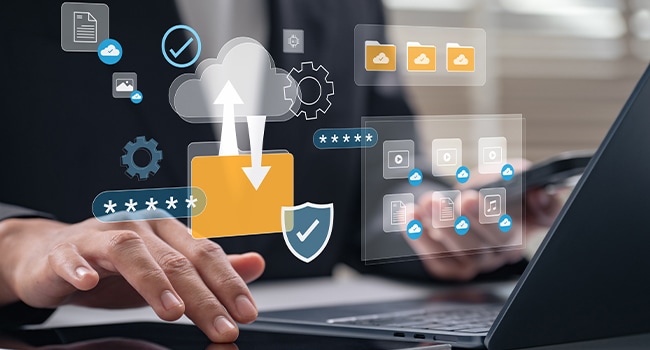
Embedded AI boosts employee productivity by automating repetitive tasks, streamlining workflows, and providing real-time insights. It enables workers to focus on higher-value activities, improves collaboration, and supports faster decision-making. By integrating AI into everyday tools and processes, organizations empower employees to work smarter, adapt quickly, and achieve better outcomes with less manual effort.

Data Center Technology
Data Center Technology leverages cloud computing, empowering office workers with secure, scalable infrastructure, AI automation, and energy-efficient solutions that support productivity, collaboration, and digital transformation in modern workplaces.

Network Technology
Intelligent network technology supports modern office environments by streamlining connectivity, improving security, and enabling seamless collaboration. Advanced networking solutions help organizations manage devices, safeguard sensitive information, and maintain reliable access to critical applications, ensuring productivity in today’s dynamic workplaces.

Monitor Buying Guide
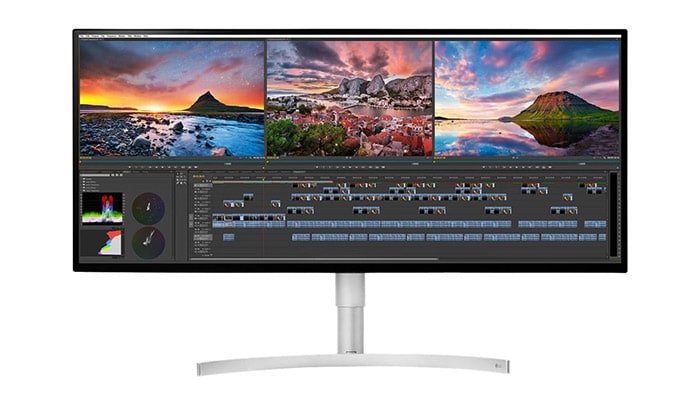
Are you replacing outdated monitors with the latest display technology? Increasing the number of units per workstation to expand productivity?

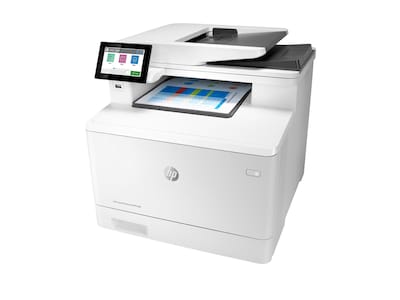
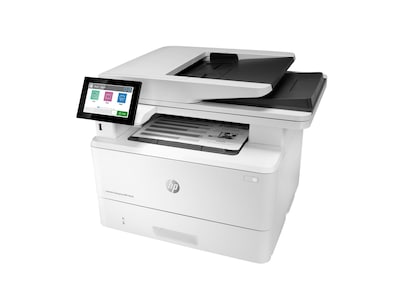
Printer Buying Guide
Are you looking for printers for the office or to improve the productivity of your remote workforce? Workgroup units with high volume capabilities or units for single users with multi-function needs?

Laptop Buying Guide
Which operating system is right for your environment? How much RAM (and which processor) is needed for your power users? What build quality and features does your mobile workforce require?

Data Storage Buying Guide
Do you need new internal hard drives to improve the performance of your existing computers? Or maybe external drives to expand your storage volume and/or to take your files on the go?

Cable Finder
Find the right cable(s) to connect your devices with our easy-to-use configurator.


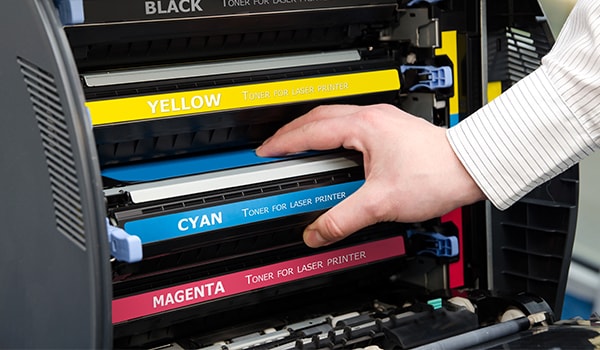
Print Supplies Finder
Keep your printing operations running with new ink and toner cartridges.
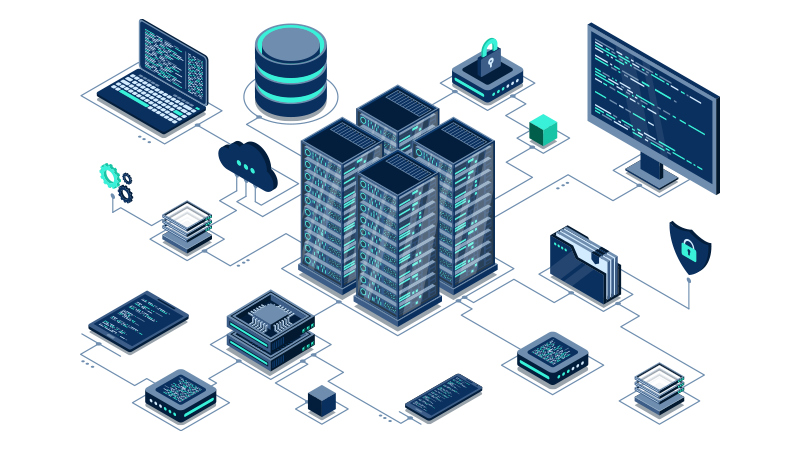
Server Technology
Build a scalable backbone for your IT infrastructure with the right server technology. Servers power the data processing, storage, and management essential to your business operations. As demands for performance, scalability, and security grow, choosing the right server solutions has never been more critical.

Manufacturing Technology
What is on your IT roadmap? Do data security concerns keep you up at night? Are you prepared for the future of smart technologies? Are you behind the competition?
We’re here to help connect you with the technologies you need to create a smart manufacturing enterprise.
We’re here to help connect you with the technologies you need to create a smart manufacturing enterprise.

Small Business Technology
Which technologies in your office are in most need of an upgrade: A PC or monitor refresh? A network expansion or security overhaul? Should you invest in infrastructure or innovation?
We’re committed to helping your small business get the most out of its technology investments.
We’re committed to helping your small business get the most out of its technology investments.
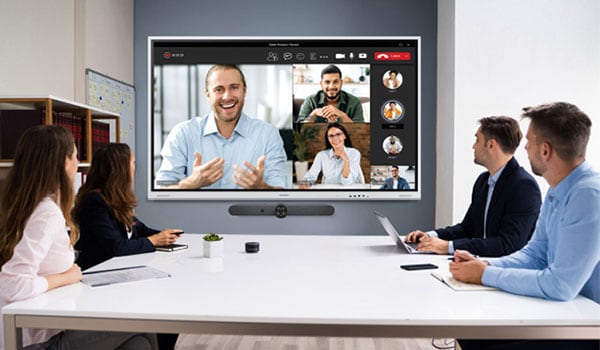
Conference Room Technology
Do you have the right technology to foster collaboration? Conference room technology is transforming the way we meet and collaborate in the workplace. We’ll help your business adapt to the changing workplace and ensure your teams stay connected.

Endpoint Protection Technology
Protect your business across all work settings with advanced security solutions for computers, printers, and connected devices. Explore endpoint protection that spans in-office systems and remote setups, reinforced by processor-level defenses and cloud-based safeguards. Gain expert insights, trusted technologies, and tailored strategies to keep your workforce secure, wherever they work.

Small Business Network Checklist
If you’re looking to expand your business, then you’ll need to set up a secure network in your new office(s). Here’s a simple checklist to help you get started:- Look for simple, smart solutions
- Look for technical support
- Look for key features
- Look for flexible options

Top Office Technology Investments
Improve Operations with These Tech Investments
From automation and managed services to network speed and security, check out these six office technology investments that will have a positive impact on your business this year.Workplace Transformation Services
Modern Infrastructure Solutions to Enable Digital Modernization
Is your organization offering the fast and friction-free technology experiences its employees have become used to? If your office technology isn’t up to date, the best place to start is with your IT infrastructure.

Modern Device Management
Modern Device Management isn’t just a simple technology deployment: it’s a major paradigm shift.
MDM Services:
MDM Services:
- Achieve a “single pane of glass” view of devices across the entire organization.
- Marry business and IT initiatives to improve the employee experience by providing modern devices with modern UIs.
- Achieve complete corporate compliance across all devices and users.

Virtual Desktop Infrastructure (VDI)
Virtual Desktop infrastructure offers benefits, like simplified deployment, simple scaling, and enhanced security.
VDI Services:
VDI Services:
- Save your IT department’s time and money by consolidating your hardware inventory and maintenance.
- Improve end-user productivity by offering fast-loading virtual desktops or applications for use on any device.
- Centralize security and improve disaster recovery preparedness by housing more of your organization’s data in one location.







Was $314.99
Now
$239.99
Was $105.00
Now
$80.22

15