
Futureproof Your Workspace with HP and Connection

In today’s fast-paced business environment, choosing the right technology is more critical than ever. Making the wrong investment can hinder productivity, compromise security, and limit your organization’s ability to grow. That’s why HP, in partnership with Connection, offers a comprehensive portfolio of future-ready solutions designed to empower your workforce and maximize your IT investment.
HP’s innovative product ecosystem is built to support the evolving needs of modern professionals. From AI-powered PCs to intelligent accessories, HP delivers the tools your business needs to stay ahead of the curve. Whether you’re upgrading your current setup or building a new workspace from the ground up, HP and Connection have you covered.
Explore the HP Futureproof Workspace
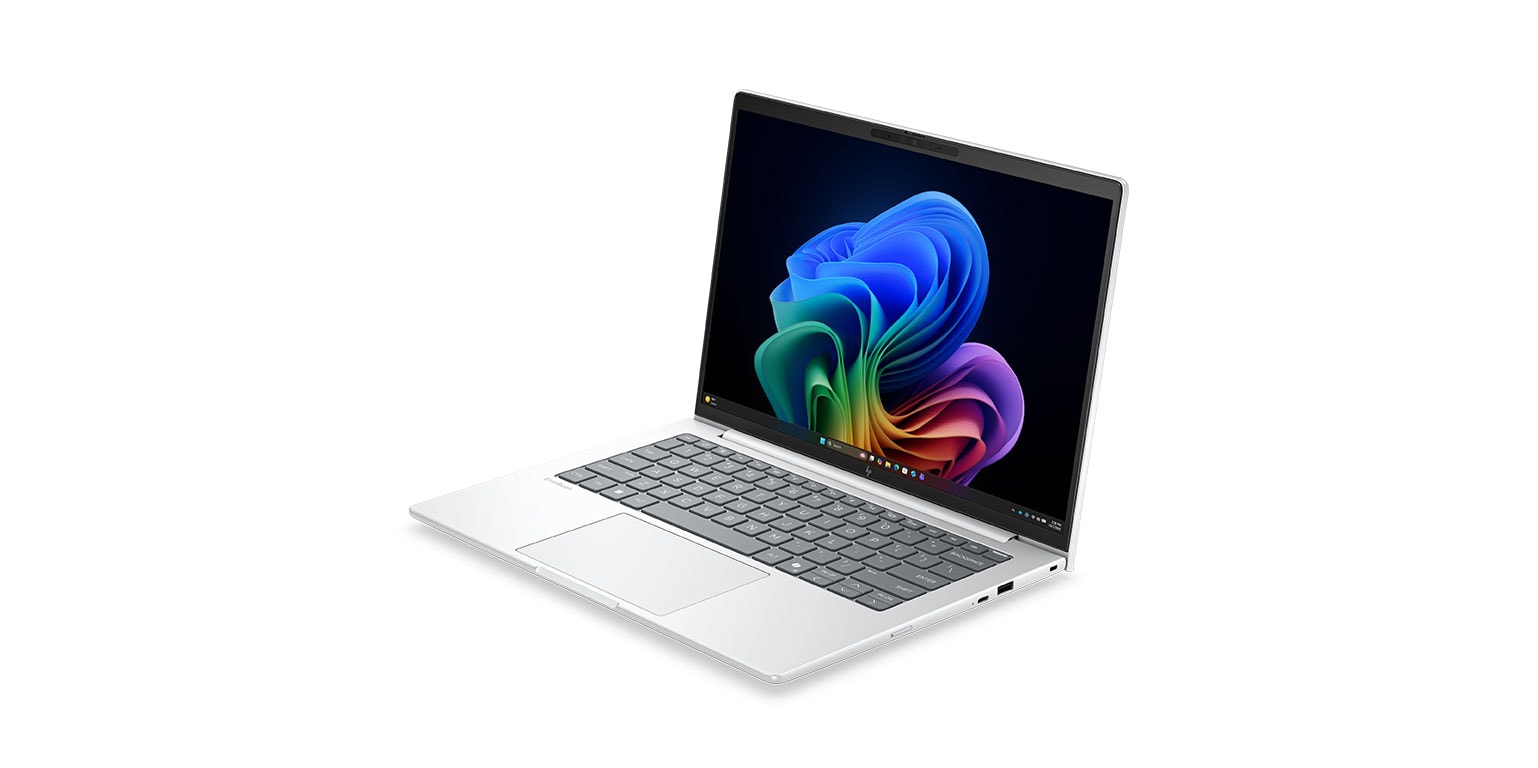
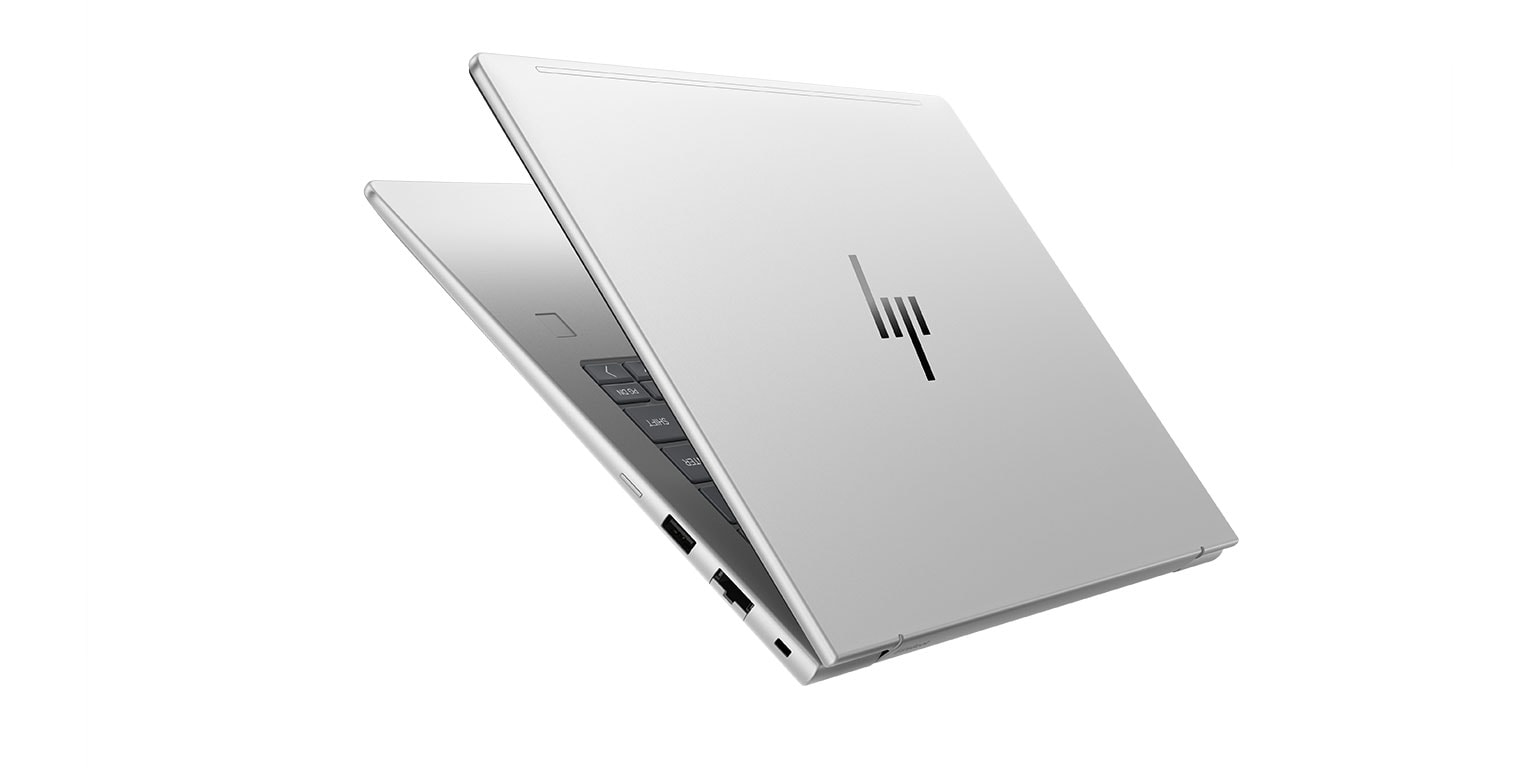
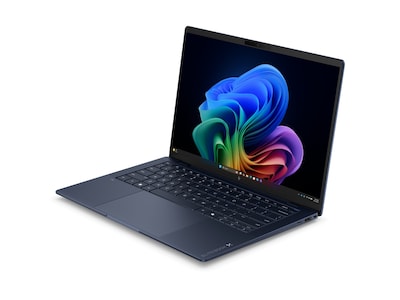
EliteBook 6 G2a Copilot+ PC

Streamline workflows and drive AI-enhanced productivity. Long battery life, embedded security, and simplified manageability help your organization thrive.

| AMD Ryzen™ AI PRO 400 Series Processors with NPU up to 50 TOPS: Accelerate your work performance and recapture time in your day. |

| Microsoft 365 Copilot: Advanced language models, contextual reasoning, and intelligent assistance inside the apps you use every day. |

| HP Wolf Security: A hardware-enforced, always-on, resilient defense from the BIOS to the browser—above, in, and below the OS. |
Connection HP AI PC Video Series
Why Choose AI PCs?
The apps and tools you use every day are now powered by built‑in intelligence. And to get the best experience, you need a PC that’s built for this new era. Devices designed with AI at their core deliver faster performance, smoother workflows, and smarter features that simply run better—because they’re engineered for it.
Read Full Transcript
Hello and welcome. My name is Charles Thomas. I'm from HP's Amplify AI team. I'm very happy to be here to help answer the question why you should consider an AI PC from HP, or why does HP even make AI PCs?
Computing needs have evolved and the underlying factor is artificial intelligence. Look at the applications you use every day for work or for personal use. Are there any artificial intelligence tools that are now being applied to those?
My guess is yes, because we've seen a surge of tons of applications adopting AI. In fact, we've seen a ton of new applications being invented just in recent months and years. All thanks to artificial intelligence and those artificial intelligence tools.
They run better on an actual PC built and designed for running artificial intelligence. Much faster than even a standard PC that's not even a year old yet. In fact, we've seen data analysis workflows getting done 45% faster on an AI PC because they take advantage of those AI tools that they now provide. Same thing with media—30% faster on media processing and rendering on an AI PC because they're taking advantage of the artificial intelligence tools that those applications now come with.
Processing speeds faster, job production, and productivity—these are all strong points. But here's another strong point: security and privacy. Probably the most important. Think about all the bad stuff out there that AI's helping to develop—all the malware, scam artists getting better with their English—and better with their tricks—trying to get into your PC and steal your information to ruin your day.
At HP, we’re also using AI to help us fight back. In fact, HP's Wolf Security on our AI PCs have been trained through a deep learning model to understand and learn the behaviors behind malware. So that way if an unknown malware were to enter the system that's never been detected or seen outside the world before, HP's Wolf Security can identify it within milliseconds and nullify it before it does any damage.
It understands this is not acting like any software program. We know and immediately becomes suspicious of it. It's pretty cool. And you know what? HP's not the only one. Our friends at CrowdStrike and Proofpoint and dozens of others like McAfee, are also taking advantage of those AI tools to help them nullify threats before they actually harm you.
In fact, some of them can even identify deep fakes—deep fake voices and deep fake faces and pictures that AI is helping to develop. They can now identify if it’s a human you're talking to and help steer you to the right conversation you should be having.
Processing speeds faster, better security, and enhanced security for the future; but let’s also think about the costs that are associated with using a PC that has to rely on the cloud for anything that is artificial intelligence. You’re running programs and developing applications. If you get an HP AI PC with Copilot Plus, you can run that all for free on the PC without the cloud.
You get free tools for developing applications and updating applications and implementing your own AI tools. How's that not a good idea? Because now you can keep your products up to date now and in the future.
The fourth point is sustainability. This is also super important. I hate putting it in fourth, but think about all the energy that it takes for your PC to run AI. It tales milliwatts to run AI in your PC. Now imagine a data center—the kilowatts that it takes to run all of that electricity and the water and the energy and the heat putting out that it has. Believe me, these applications want you to run their AI on your PC because it costs a lot of money for them, but you're using so much less energy. I'm still plugged into the same wall outlet. My battery's the same as previous generation PCs. I'm not doing anything different there.
So, costs, productivity, security, and sustainability—all of these are excellent reasons why HP decided to evolve and make the AI PC a reality. Ask your Connection rep for more information.
Hello and welcome. My name is Charles Thomas. I'm from HP's Amplify AI team. I'm very happy to be here to help answer the question why you should consider an AI PC from HP, or why does HP even make AI PCs?
Computing needs have evolved and the underlying factor is artificial intelligence. Look at the applications you use every day for work or for personal use. Are there any artificial intelligence tools that are now being applied to those?
My guess is yes, because we've seen a surge of tons of applications adopting AI. In fact, we've seen a ton of new applications being invented just in recent months and years. All thanks to artificial intelligence and those artificial intelligence tools.
They run better on an actual PC built and designed for running artificial intelligence. Much faster than even a standard PC that's not even a year old yet. In fact, we've seen data analysis workflows getting done 45% faster on an AI PC because they take advantage of those AI tools that they now provide. Same thing with media—30% faster on media processing and rendering on an AI PC because they're taking advantage of the artificial intelligence tools that those applications now come with.
Processing speeds faster, job production, and productivity—these are all strong points. But here's another strong point: security and privacy. Probably the most important. Think about all the bad stuff out there that AI's helping to develop—all the malware, scam artists getting better with their English—and better with their tricks—trying to get into your PC and steal your information to ruin your day.
At HP, we’re also using AI to help us fight back. In fact, HP's Wolf Security on our AI PCs have been trained through a deep learning model to understand and learn the behaviors behind malware. So that way if an unknown malware were to enter the system that's never been detected or seen outside the world before, HP's Wolf Security can identify it within milliseconds and nullify it before it does any damage.
It understands this is not acting like any software program. We know and immediately becomes suspicious of it. It's pretty cool. And you know what? HP's not the only one. Our friends at CrowdStrike and Proofpoint and dozens of others like McAfee, are also taking advantage of those AI tools to help them nullify threats before they actually harm you.
In fact, some of them can even identify deep fakes—deep fake voices and deep fake faces and pictures that AI is helping to develop. They can now identify if it’s a human you're talking to and help steer you to the right conversation you should be having.
Processing speeds faster, better security, and enhanced security for the future; but let’s also think about the costs that are associated with using a PC that has to rely on the cloud for anything that is artificial intelligence. You’re running programs and developing applications. If you get an HP AI PC with Copilot Plus, you can run that all for free on the PC without the cloud.
You get free tools for developing applications and updating applications and implementing your own AI tools. How's that not a good idea? Because now you can keep your products up to date now and in the future.
The fourth point is sustainability. This is also super important. I hate putting it in fourth, but think about all the energy that it takes for your PC to run AI. It tales milliwatts to run AI in your PC. Now imagine a data center—the kilowatts that it takes to run all of that electricity and the water and the energy and the heat putting out that it has. Believe me, these applications want you to run their AI on your PC because it costs a lot of money for them, but you're using so much less energy. I'm still plugged into the same wall outlet. My battery's the same as previous generation PCs. I'm not doing anything different there.
So, costs, productivity, security, and sustainability—all of these are excellent reasons why HP decided to evolve and make the AI PC a reality. Ask your Connection rep for more information.
NPUs and TOPS Explained
Built for AI, an NPU takes the heat—literally—off your CPU and GPU, keeping your device cooler, faster, and running longer. Skip the slowdown and battery drain that come with AI tasks on traditional hardware. With blazing‑fast performance measured in TOPS (trillions of operations per second), an NPU delivers the speed your AI experiences crave.
Read Full Transcript
Hello and welcome. My name is Charles Thomas. I'm here with HP’s Amplify AI team, and I'm here to answer the questions: what is an NPU and what are TOPS?
First and foremost, NPUs are neural processing units and they’re built into the main processor of your PC. That means you have a CPU, a GPU, and now the NPU. Neural Processing Units are designed specifically to run AI tasks on your PC.
There’s a whole new slew of AI coming into our computers, and the CPU and GPU are getting overrun. It's causing delays in processing. It's increasing the heat coming from your computer, and it's also decreasing battery life. The NPU fixes all of it.
The NPUs can run AI tasks up to 10,000 times faster than your CPU can. What does that mean? That means now the CPU can do its job while the NPU offloads those tasks away from the CPU and GPU. Those are just some of the natural benefits of an NPU.
But not all NPUs are created equally, and that's where TOPS comes into play. That is how we measure the speed of an NPU. It stands for trillion operations per second. Most NPUs can run anywhere between 10 and 16 TOPS to do common tasks such as background blurring, noise suppression, and even Windows Studio effects or HP's Poly Camera Pro.
But if you want something that can do a lot more than those basic simplified AI tasks—run your own large language models, have retrieval augmented generation, stable diffusion, create images, all sorts of cool AI tasks—then you want to look for an NPU that has at least 40 TOPS.
Microsoft's Copilot Plus with Windows AI Foundry can help you develop and create your own applications and actually upload and download your own large language models on your PC. You can even turn off the Internet and have those AI applications running. So that's an NPU, and those are TOPS.
NPUs are being built by AMD, Intel, and Qualcomm, and are easily found within HP's portfolio of PCs. Just let any of your Connection reps know that you're interested and we can get you more information.
Hello and welcome. My name is Charles Thomas. I'm here with HP’s Amplify AI team, and I'm here to answer the questions: what is an NPU and what are TOPS?
First and foremost, NPUs are neural processing units and they’re built into the main processor of your PC. That means you have a CPU, a GPU, and now the NPU. Neural Processing Units are designed specifically to run AI tasks on your PC.
There’s a whole new slew of AI coming into our computers, and the CPU and GPU are getting overrun. It's causing delays in processing. It's increasing the heat coming from your computer, and it's also decreasing battery life. The NPU fixes all of it.
The NPUs can run AI tasks up to 10,000 times faster than your CPU can. What does that mean? That means now the CPU can do its job while the NPU offloads those tasks away from the CPU and GPU. Those are just some of the natural benefits of an NPU.
But not all NPUs are created equally, and that's where TOPS comes into play. That is how we measure the speed of an NPU. It stands for trillion operations per second. Most NPUs can run anywhere between 10 and 16 TOPS to do common tasks such as background blurring, noise suppression, and even Windows Studio effects or HP's Poly Camera Pro.
But if you want something that can do a lot more than those basic simplified AI tasks—run your own large language models, have retrieval augmented generation, stable diffusion, create images, all sorts of cool AI tasks—then you want to look for an NPU that has at least 40 TOPS.
Microsoft's Copilot Plus with Windows AI Foundry can help you develop and create your own applications and actually upload and download your own large language models on your PC. You can even turn off the Internet and have those AI applications running. So that's an NPU, and those are TOPS.
NPUs are being built by AMD, Intel, and Qualcomm, and are easily found within HP's portfolio of PCs. Just let any of your Connection reps know that you're interested and we can get you more information.
AI Tokens
AI tokens measure the work AI models perform—from text generation to image creation, translation, agents, and more—and often determine cost. Businesses should track who uses token-based tools, monitor spending, and consider local AI options to reduce cloud token costs and avoid unexpected bills.
Read Full Transcript
Hello and welcome. My name is Charles Thomas. I'm with HPE's Amplify AI team, joining today with Connection to bring you the question: what are AI tokens and why are they important for businesses to understand? All right.
Well, if you're joining us today, maybe it's because you've heard the term tokens and are wondering what are tokens and why is this important. Well, first and foremost, tokens is how we measure AI inferencing.
And by we, I mean AI models. So when you ask a question to an AI model and it reports back something to you, well, those all took tokens.
About nine words equals 12 tokens or 100 words equals 125 tokens, about that 25% extra, right? And that token use is not just words that generating images, running agents autonomously, researching documents and transcribing and translating and doing all sorts of things, all using artificial intelligence to do that. But why is this important for businesses to understand?
Well, because AI tokens are another way for AI models to charge you money for using their AI model. So now, there's three ways to look at this for AI token usage and being charged for it.
First and foremost, there's the free tokens that we get. You go on to ChatGPT right now, generate two images, and then it'll stop you and say, "Come back tomorrow." Actually, it'll say, "Come back in 24 hours," to the minute, by the way, because you've used up all your free tokens you can use with them.
There's also a fixed cost, like subscription models, like with ChatGPT, Microsoft Copilot. They charge $20, $30 a month to use their services. But please note, there still are limitations on how many tokens you can use, it's just way higher.
And I haven't actually reached my token usage yet on that, but at the same time, I'm just doing basic and large inquiries with those models. But then there's also the third, which is open. They just charge you for the number of tokens you use, and that really comes down to people developing applications, training models, developing chatbots, or maybe running a chatbot or agent on their customer service site or some sort of autonomous behind-the-scenes agent working.
That's where the danger lies, though, because if you are using those, like OpenAI API or Anthropic API, those models are an open token type of market, and you can run anywhere from maybe a few million, which a million is about $10 to $12, or you could be running a few billion tokens.
I've even heard of businesses, large enterprise businesses, running at least a trillion tokens a month with these providers. And let's just be honest, if you don't have the budget for it or you're not prepared for it, this could be a terrible shock at the end of the month. And the last thing we want is for you to be getting a bill because you had 10 people working on a project and they spent $35,000 or more. That could be very painful for anybody's budget.
So number one, identify who has access to these type of models that they're using open tokens, and two, how many tokens are they spending and how much can you spend on that? Now, there is one other side here, and that's for the general population of your workforce, and that is a lot of AI tokens don't have to cost anything. It's not the free model, like up in the cloud. I'm talking about your actual PC.
There are many applications with an AI that you can run locally or on the edge on your computer that you've already purchased and own, or that can run a lot of these different agents or tools or models. And it does depend on the configuration of your PC and kind of NPU you have and so on and so forth, memory and whatnot. But ultimately, a lot of our PCs are enabled and have the capability already to run these RAD models of retrieval-augmented generation tools, such as HPE. We have those tools as well.
So you can talk to your Connection sales rep, connect with them, and talk about, "Hey, how can I use more local AI to offset token spending so that we're not spiraling out of control with token spending?"
Tokenomics, as they call it, so you can save some real money. Honestly, even 1,000 employees could spend an easy $10,000 at least a year on just basic inquiries, and that could be totally free just by using the hardware you already own. So, all right. Well, if you'd like to learn more, get with your Connection rep, and we'd be happy to help you with that too. So signing off for the day. Thank you much for your time and attention, and have a great rest of your day.
Hello and welcome. My name is Charles Thomas. I'm with HPE's Amplify AI team, joining today with Connection to bring you the question: what are AI tokens and why are they important for businesses to understand? All right.
Well, if you're joining us today, maybe it's because you've heard the term tokens and are wondering what are tokens and why is this important. Well, first and foremost, tokens is how we measure AI inferencing.
And by we, I mean AI models. So when you ask a question to an AI model and it reports back something to you, well, those all took tokens.
About nine words equals 12 tokens or 100 words equals 125 tokens, about that 25% extra, right? And that token use is not just words that generating images, running agents autonomously, researching documents and transcribing and translating and doing all sorts of things, all using artificial intelligence to do that. But why is this important for businesses to understand?
Well, because AI tokens are another way for AI models to charge you money for using their AI model. So now, there's three ways to look at this for AI token usage and being charged for it.
First and foremost, there's the free tokens that we get. You go on to ChatGPT right now, generate two images, and then it'll stop you and say, "Come back tomorrow." Actually, it'll say, "Come back in 24 hours," to the minute, by the way, because you've used up all your free tokens you can use with them.
There's also a fixed cost, like subscription models, like with ChatGPT, Microsoft Copilot. They charge $20, $30 a month to use their services. But please note, there still are limitations on how many tokens you can use, it's just way higher.
And I haven't actually reached my token usage yet on that, but at the same time, I'm just doing basic and large inquiries with those models. But then there's also the third, which is open. They just charge you for the number of tokens you use, and that really comes down to people developing applications, training models, developing chatbots, or maybe running a chatbot or agent on their customer service site or some sort of autonomous behind-the-scenes agent working.
That's where the danger lies, though, because if you are using those, like OpenAI API or Anthropic API, those models are an open token type of market, and you can run anywhere from maybe a few million, which a million is about $10 to $12, or you could be running a few billion tokens.
I've even heard of businesses, large enterprise businesses, running at least a trillion tokens a month with these providers. And let's just be honest, if you don't have the budget for it or you're not prepared for it, this could be a terrible shock at the end of the month. And the last thing we want is for you to be getting a bill because you had 10 people working on a project and they spent $35,000 or more. That could be very painful for anybody's budget.
So number one, identify who has access to these type of models that they're using open tokens, and two, how many tokens are they spending and how much can you spend on that? Now, there is one other side here, and that's for the general population of your workforce, and that is a lot of AI tokens don't have to cost anything. It's not the free model, like up in the cloud. I'm talking about your actual PC.
There are many applications with an AI that you can run locally or on the edge on your computer that you've already purchased and own, or that can run a lot of these different agents or tools or models. And it does depend on the configuration of your PC and kind of NPU you have and so on and so forth, memory and whatnot. But ultimately, a lot of our PCs are enabled and have the capability already to run these RAD models of retrieval-augmented generation tools, such as HPE. We have those tools as well.
So you can talk to your Connection sales rep, connect with them, and talk about, "Hey, how can I use more local AI to offset token spending so that we're not spiraling out of control with token spending?"
Tokenomics, as they call it, so you can save some real money. Honestly, even 1,000 employees could spend an easy $10,000 at least a year on just basic inquiries, and that could be totally free just by using the hardware you already own. So, all right. Well, if you'd like to learn more, get with your Connection rep, and we'd be happy to help you with that too. So signing off for the day. Thank you much for your time and attention, and have a great rest of your day.
Future Ready: 5 Ways HP’s AI-powered PCs Are Transforming the Workplace
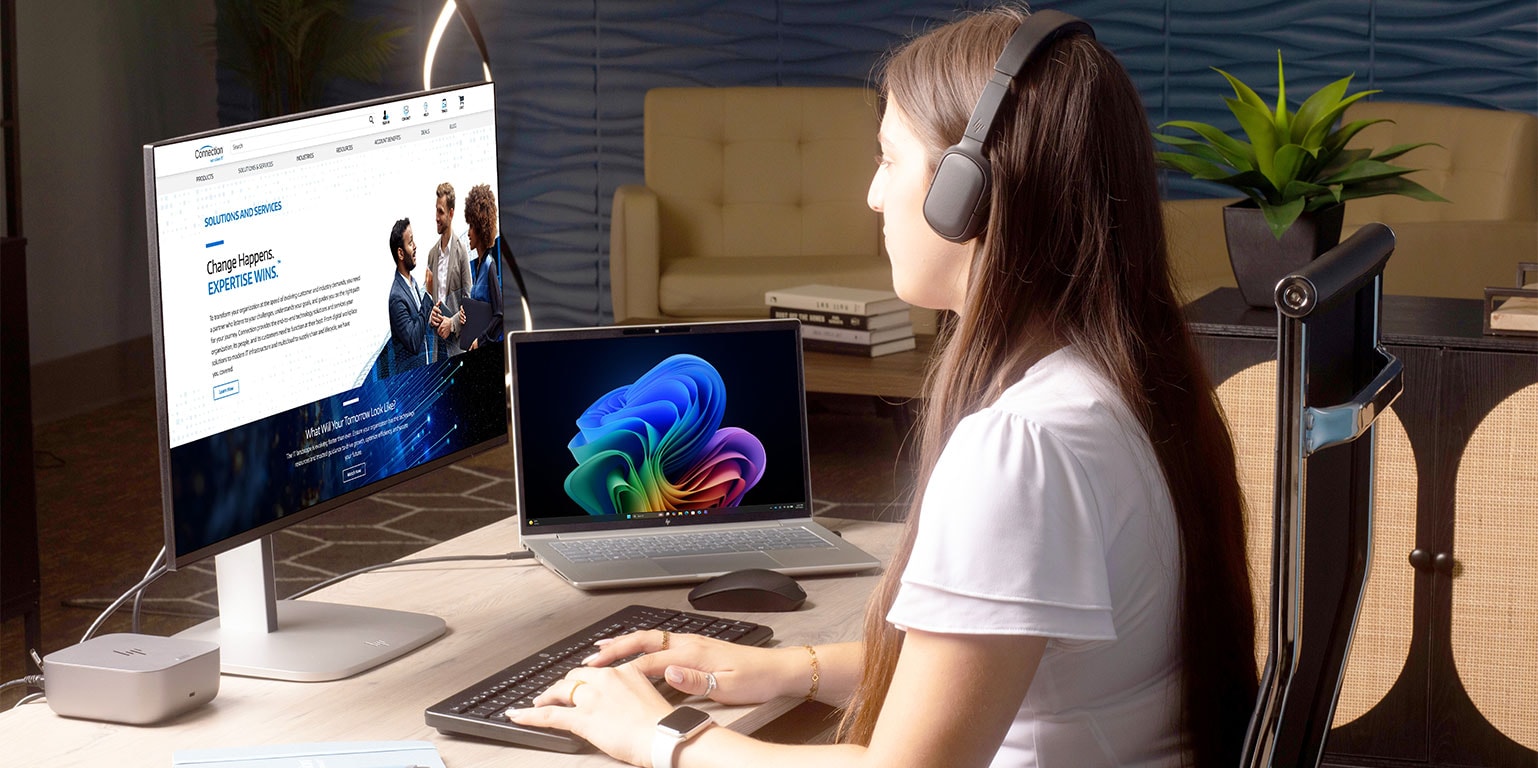
The future of work is centered on flexibility, empowering people to work on their own terms—and AI is playing a pivotal role. Future-ready devices, like HP Copilot+ PCs with AMD Ryzen™ PRO Processors, are built to meet the demands of this evolving workplace.







HP EliteBoard G1a Inside Access Video Series
Overview

Looking for a right-sized AI PC that can fit anywhere and offer the same processing power as a laptop or desktop? If so, HP’s EliteBoard G1a might be the right choice for you.
Security, Manageability, and Upgradability

The EliteBoard G1a is the powerful AI PC that hides in plain sight. Featuring an AMD Ryzen™ AI PRO 300 Series processor, the EliteBoard protects user data, keeps IT happy, and is fully upgradable.
Persona Use Cases

Finding the right space for a Copilot+ PC just got easier thanks to the EliteBoard G1a’s keyboard-sized footprint. But will it fit in with what you do? Watch this video to learn more.
Accessories

Maximize Employee Productivity, Minimize IT Costs
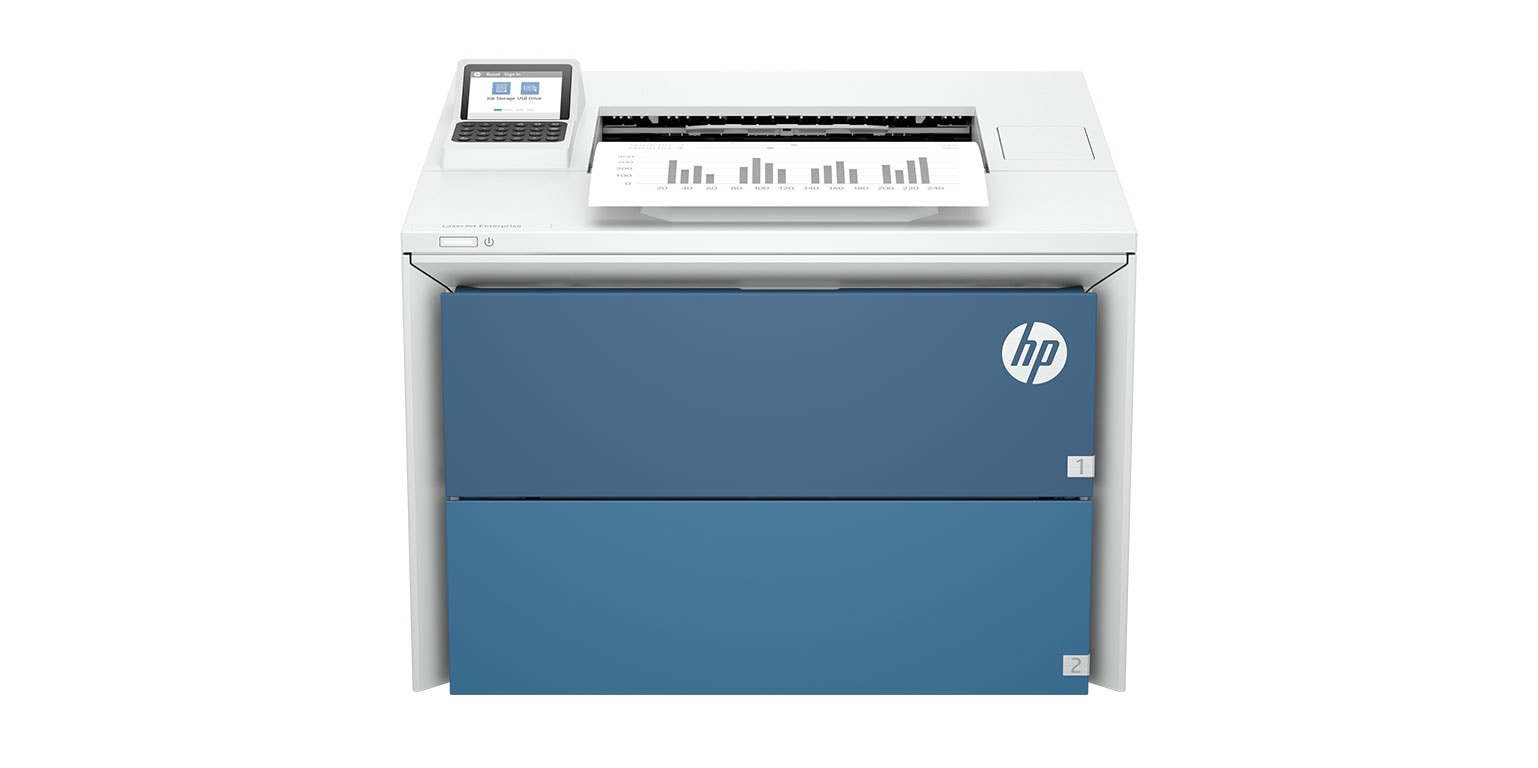
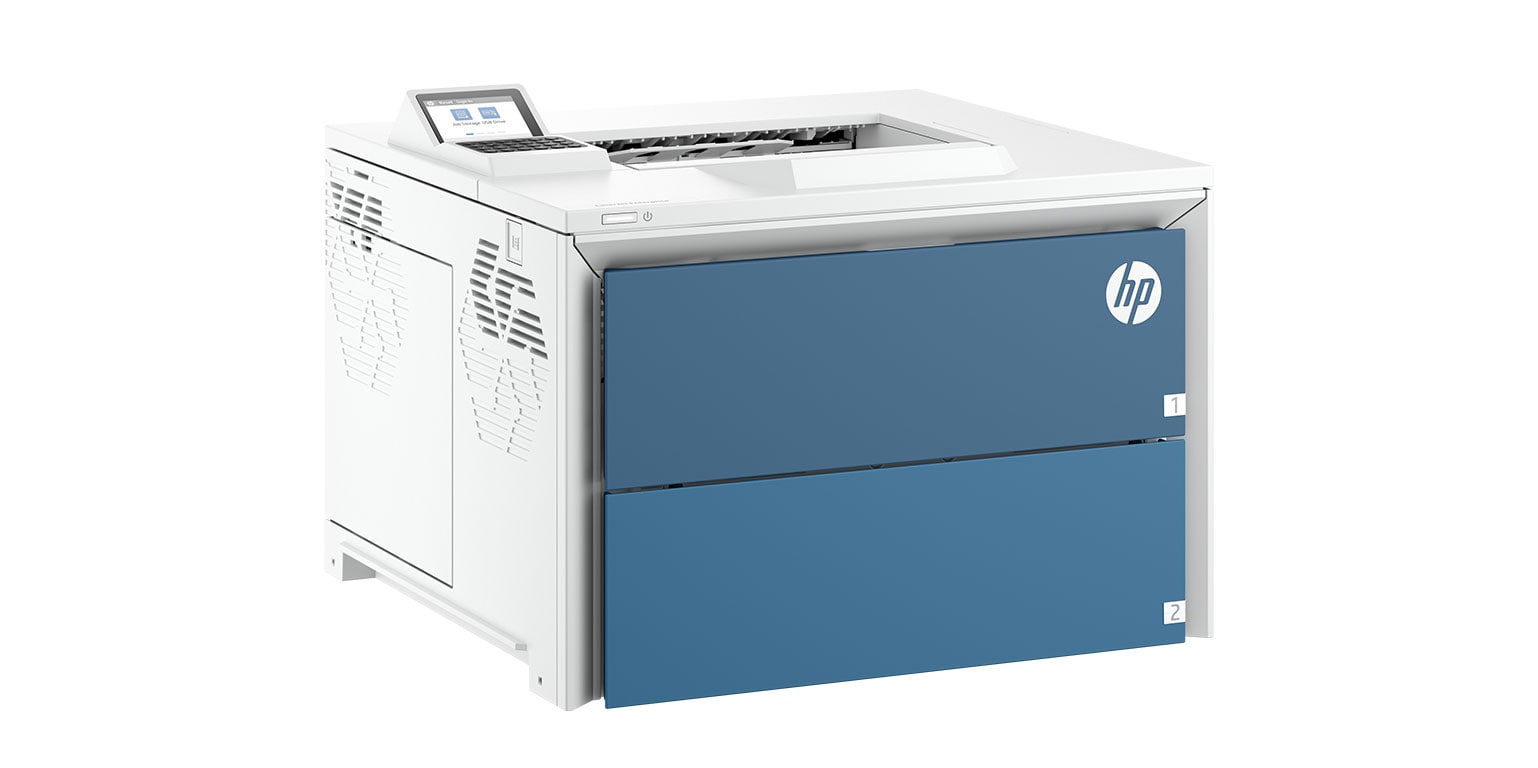
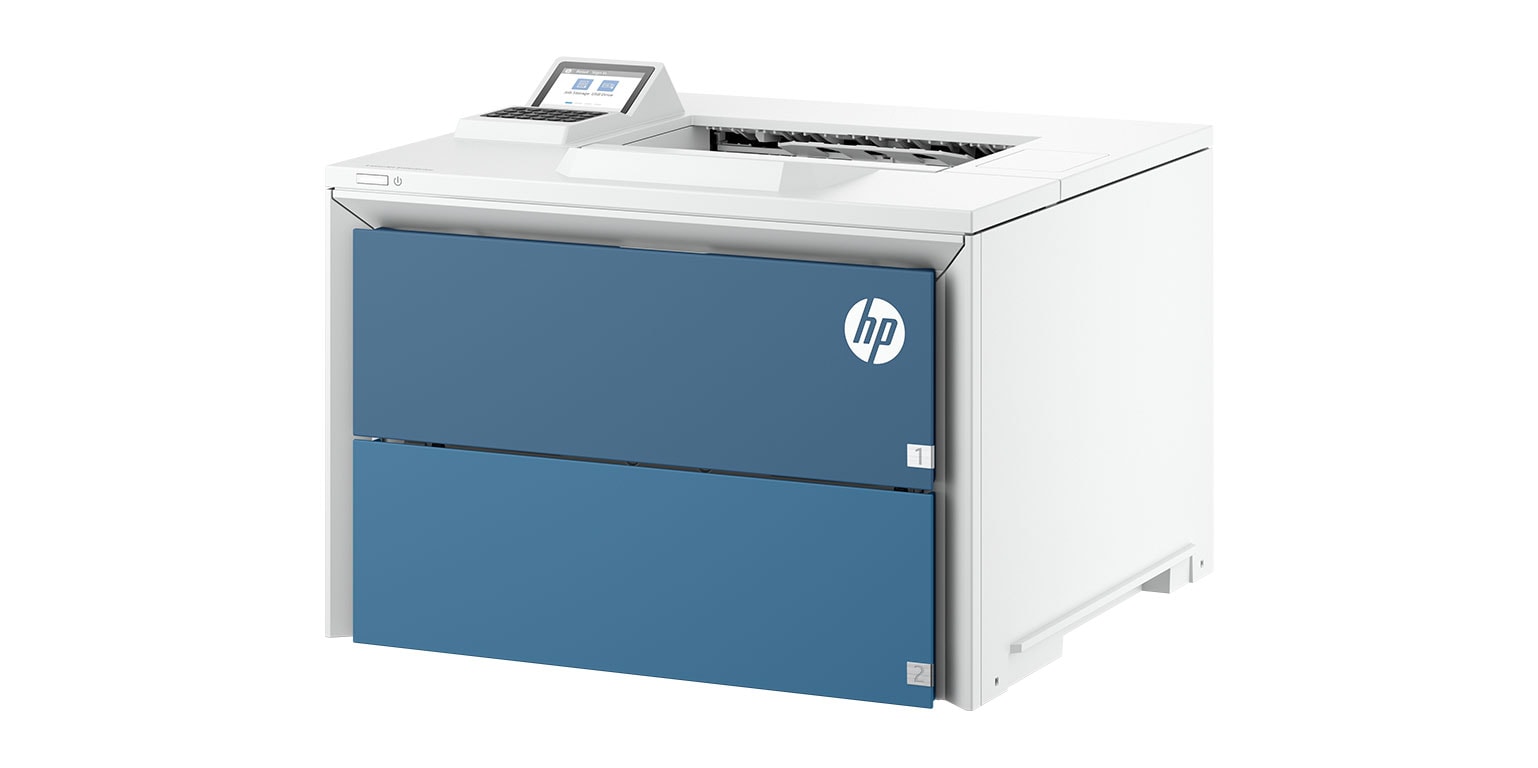
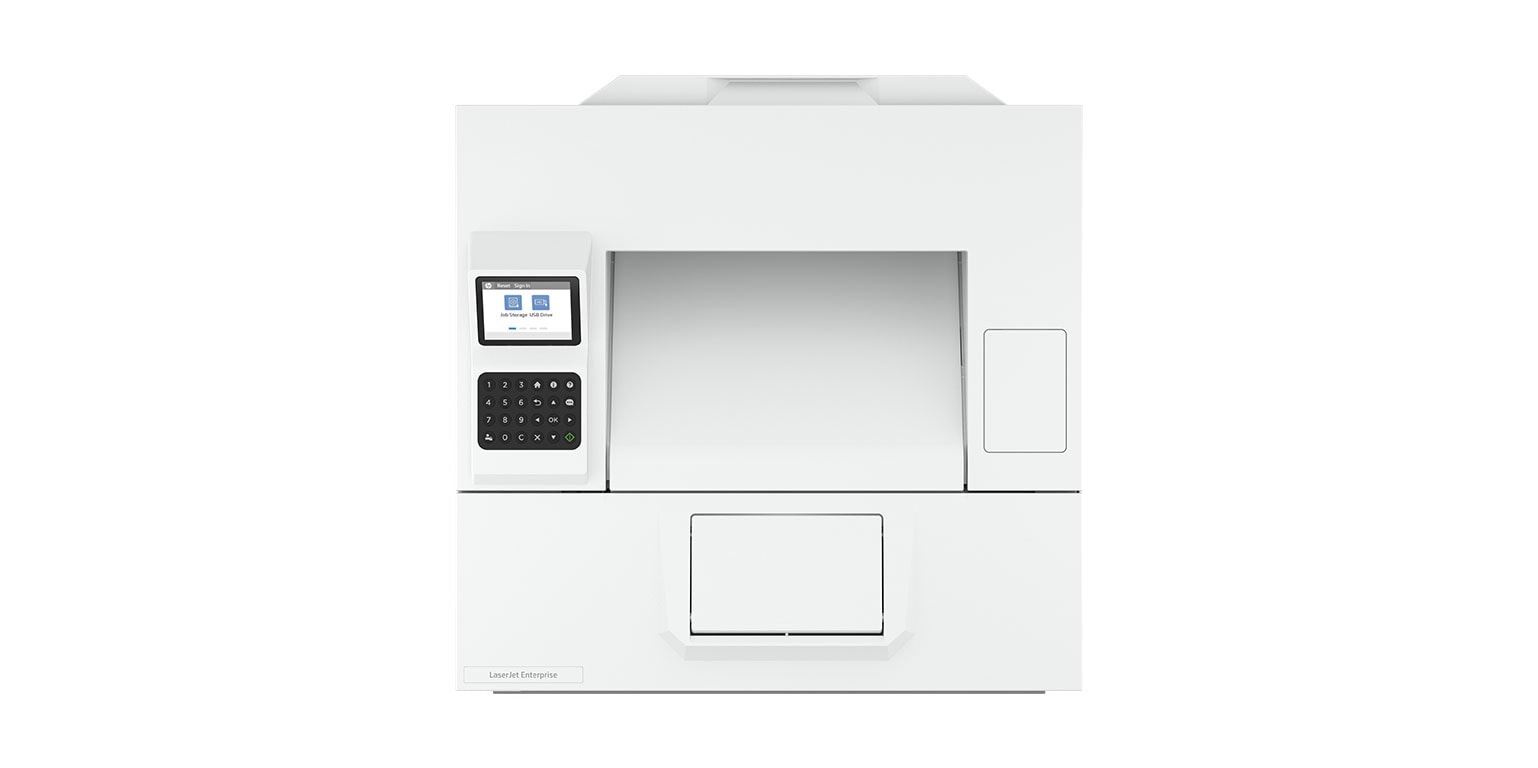
HP Workforce Experience Platform (WXP) provides critical data for devices and applications, putting deep learning at IT’s fingertips and providing employees with the right PC, software, and services to succeed.HP LaserJet Enterprise 5501dn

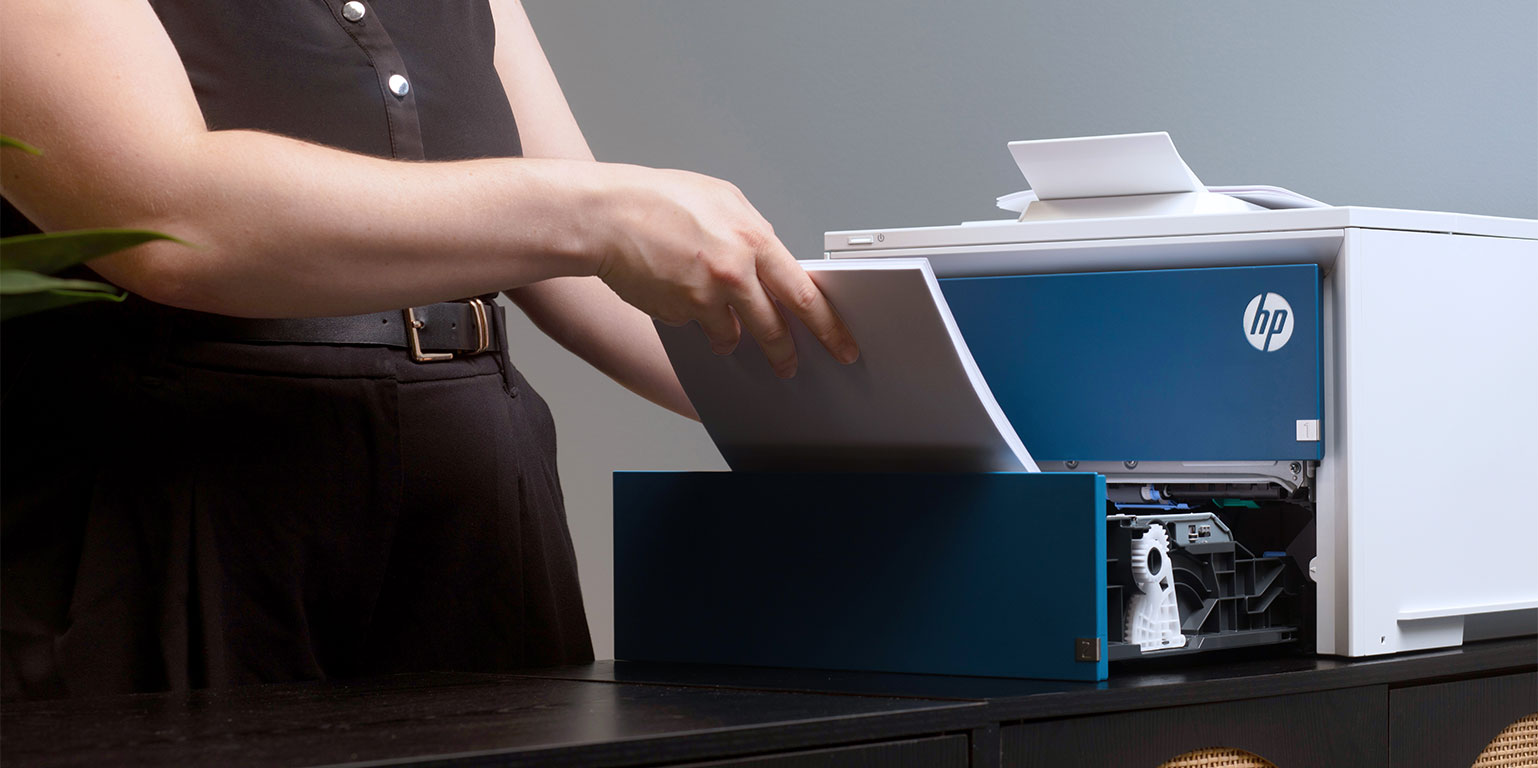
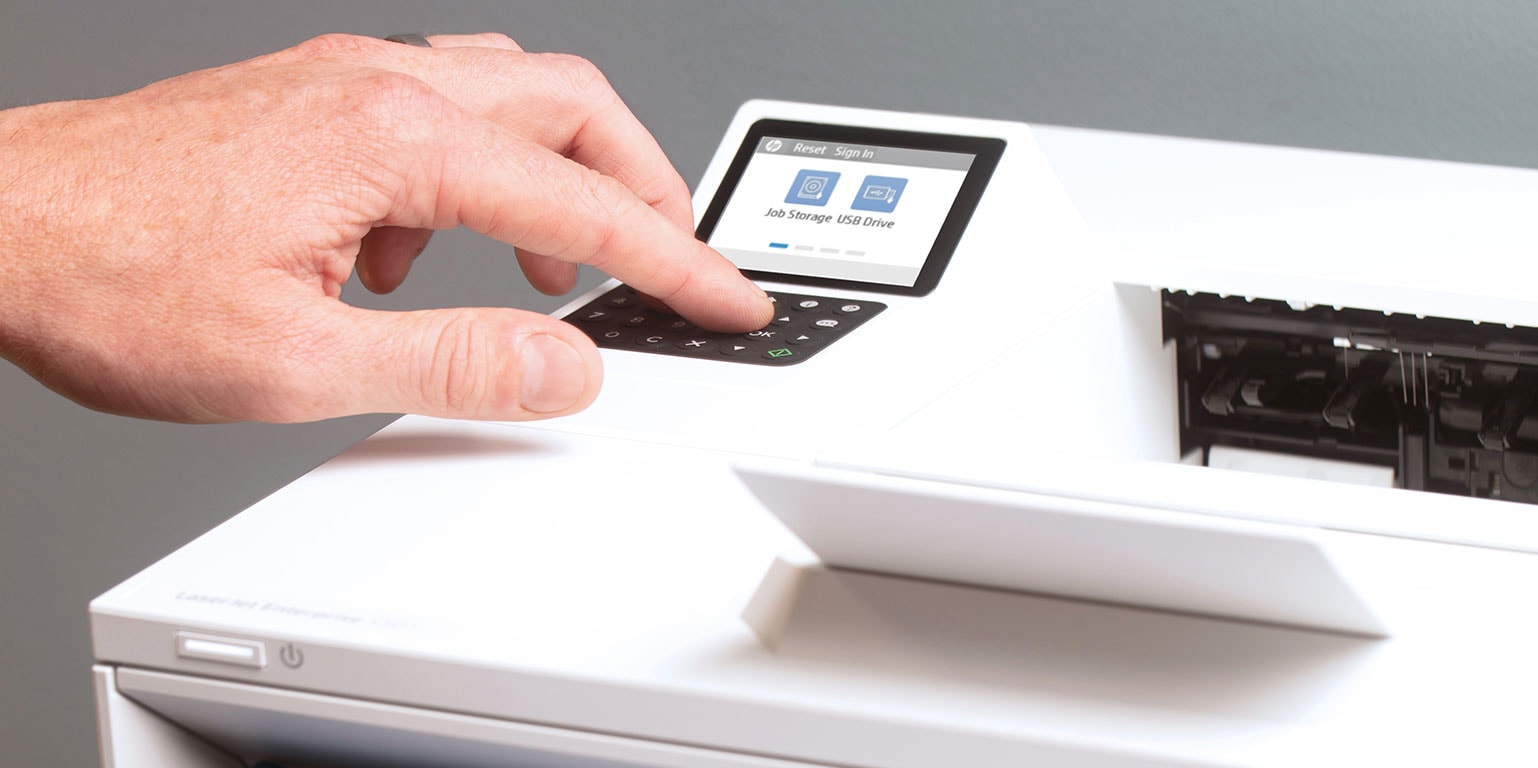
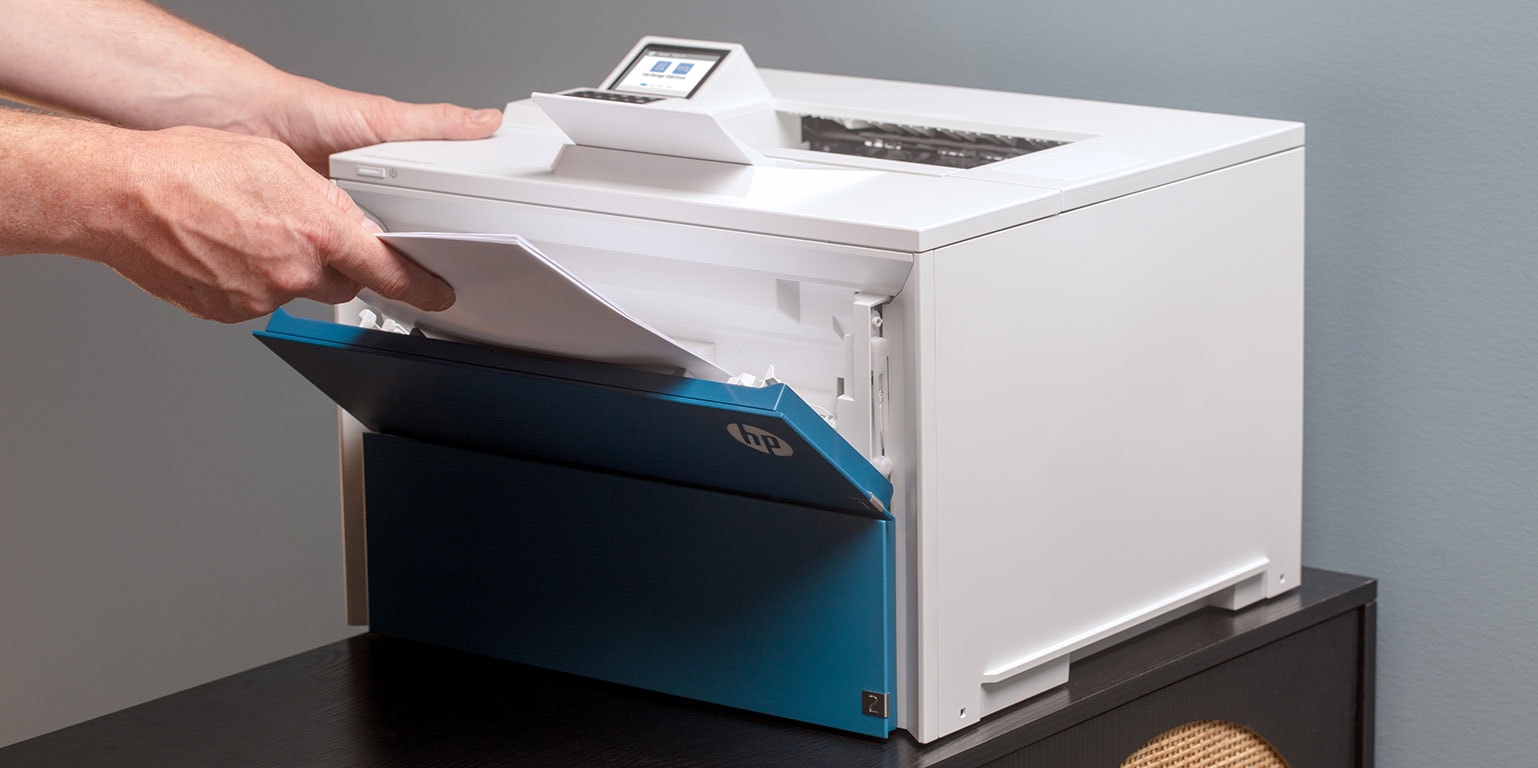
Simplify document workflows with blazing-fast speeds and customizable features. Seamlessly integrates with your existing fleet, scales for the future, and delivers industry-leading security to safeguard your data.
3 Key Features

| Print speeds up to 52/50 (Letter/A4) pages per minute. |

| HP FutureSmart Firmware simplifies device management and maximizes productivity with printer firmware built to evolve alongside your business. |

| HP Wolf silently detects and repairs your printer from cyberattacks. |



Streamline Print Operations
Through our partnership with HP, Connection can deliver Managed Print Services (MPS) that provide the insights you need to better understand the health and status of your printer fleet. As a trusted partner with more than 40 years of experience, Connection can help you optimize your print suite to improve productivity, enhance security, and reduce costs.
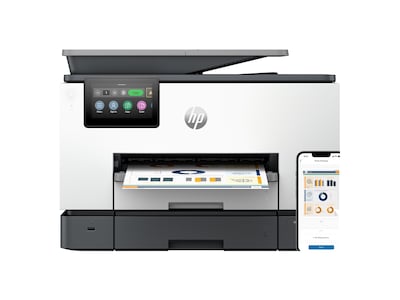
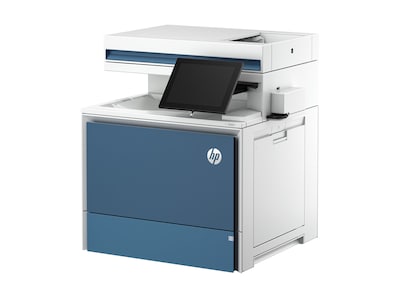
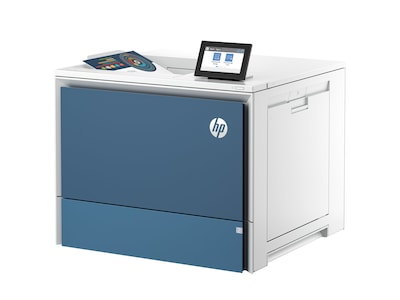
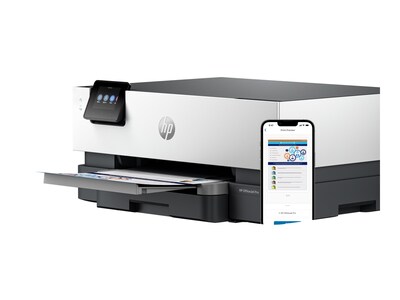
Alternative Printers
HP LaserJet Pro 5000 Series Supplies




Why Choose Original HP Toner Cartridges Over Imitation Toner?
- 53% of printer damage is caused by imitation toner cartridges
- 92% of imitation toner cartridges fail to deliver reliable performance
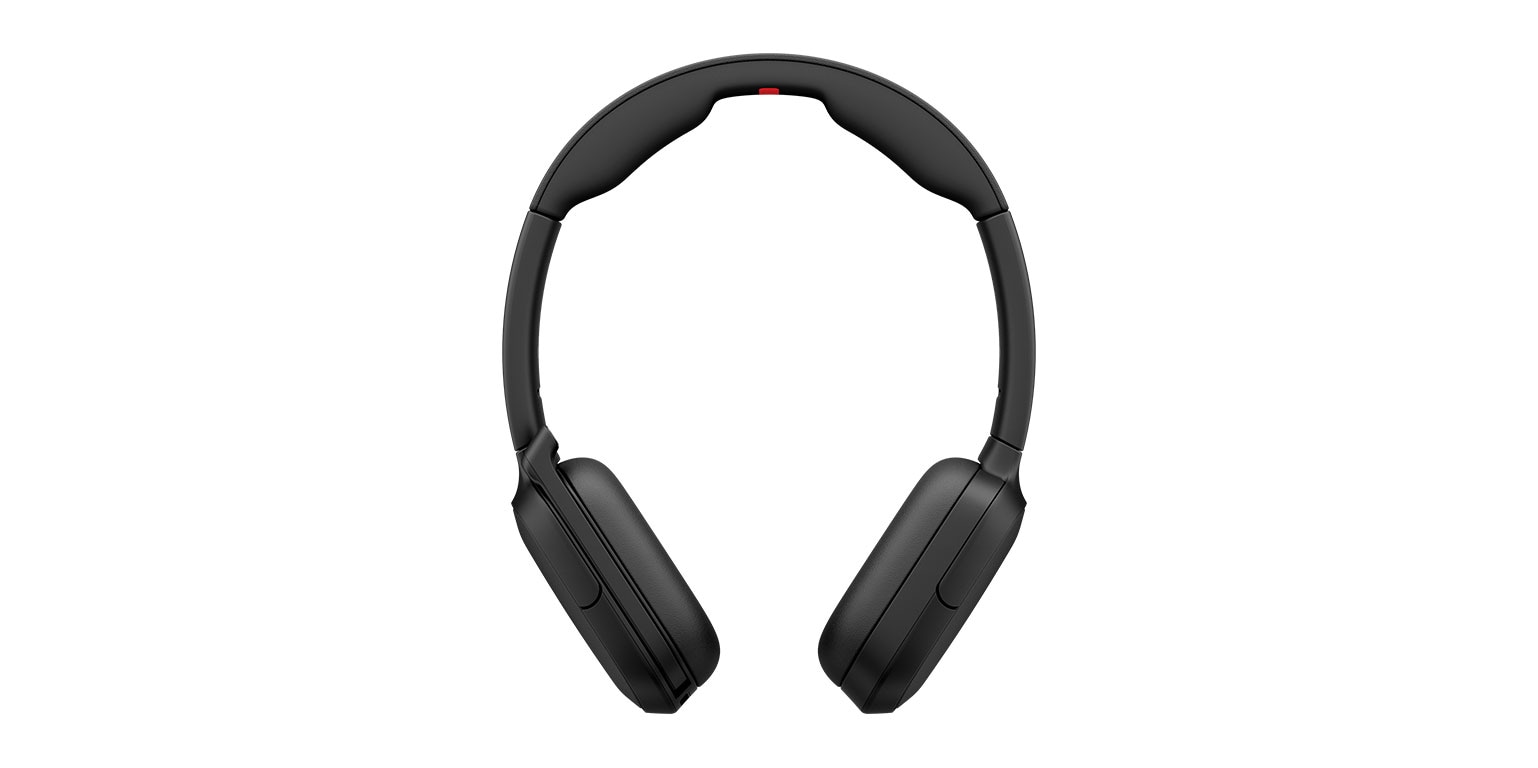
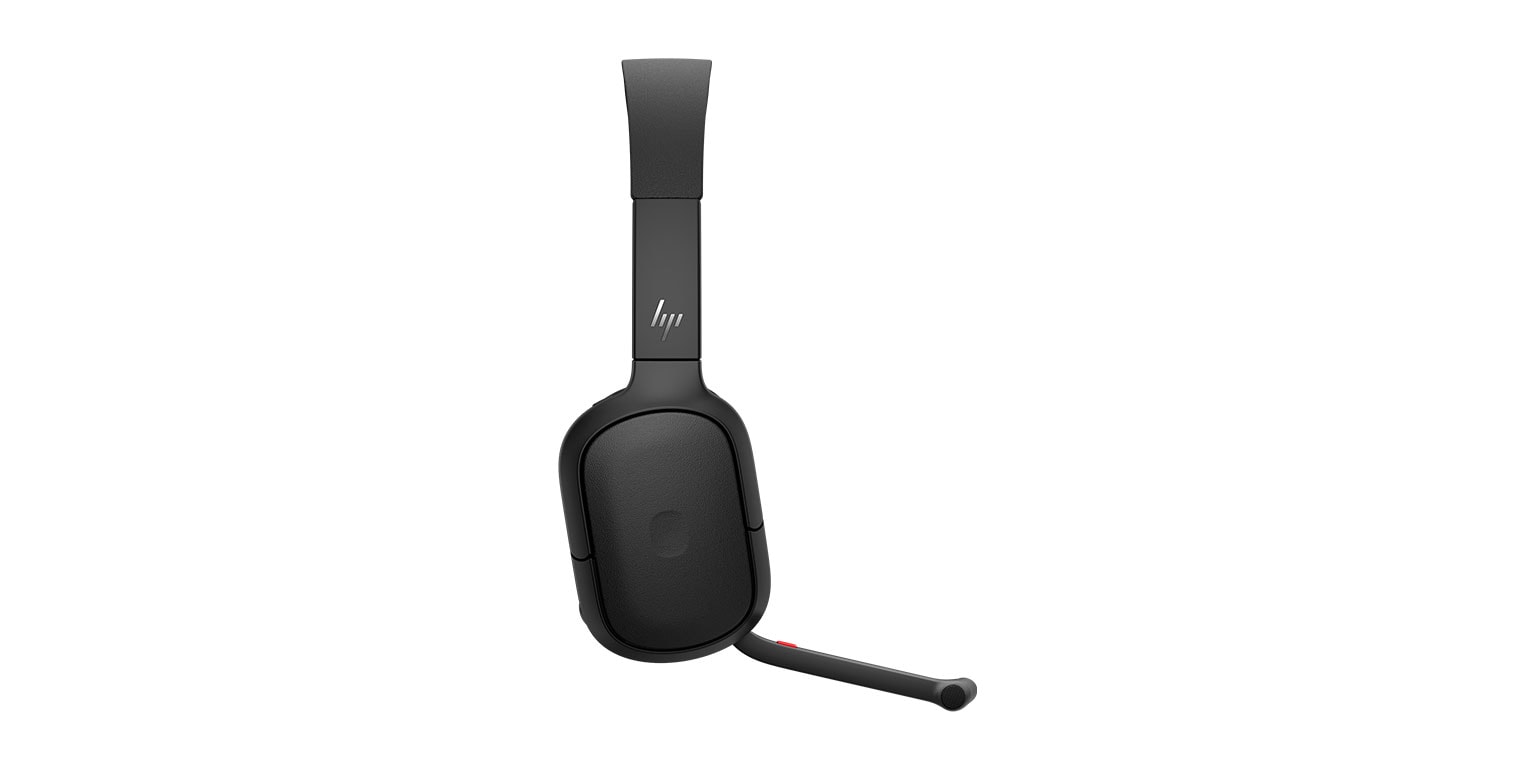
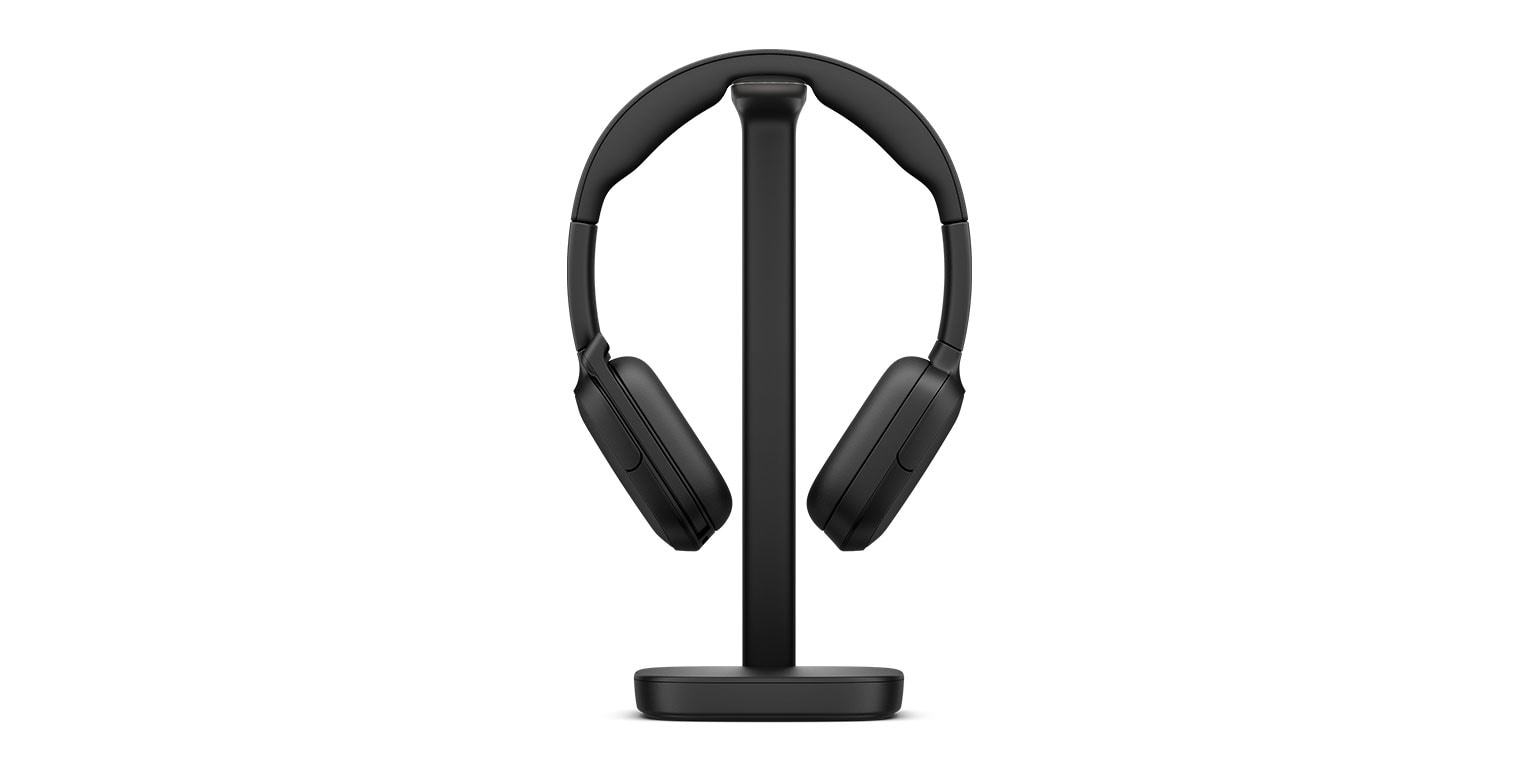
Poly Focus 625 Headset with Wireless Charging Stand

Stay focused and in control wherever you work. With clear calls, enhanced noise reduction, and a slim design that’s easy to wear all day, this headset helps you stay productive—whether you’re on back-to-backs, heads-down, or just listening in.
3 Key Features

| Experience a headset that’s built to keep up. Up to 25 hours of talk time, generous wireless range, and intuitive controls give you the freedom to move and the confidence to stay connected from the first call to the last. |

| Hear and be heard clearly wherever you work. Four noise-canceling mics with enhanced noise reduction and hybrid active noise cancelation (ANC) block distractions to keep calls clear, while spatial audio creates an immersive experience for music and media. |

| Look sharp and stay comfortable, in meetings or on the move. A slim design with a hideaway boom creates a clean, modern look, while soft cushions and an ergonomic headband support all-day wear. Lightweight and easy to take wherever work happens. |
HP Poly Focus 625
Comfort and focus, Wherever Work Happens
Experience a headset that’s built to keep up. Up to 25 hours of talk time and intuitive controls give you the freedom to move and the confidence to stay connected from the first call to the last.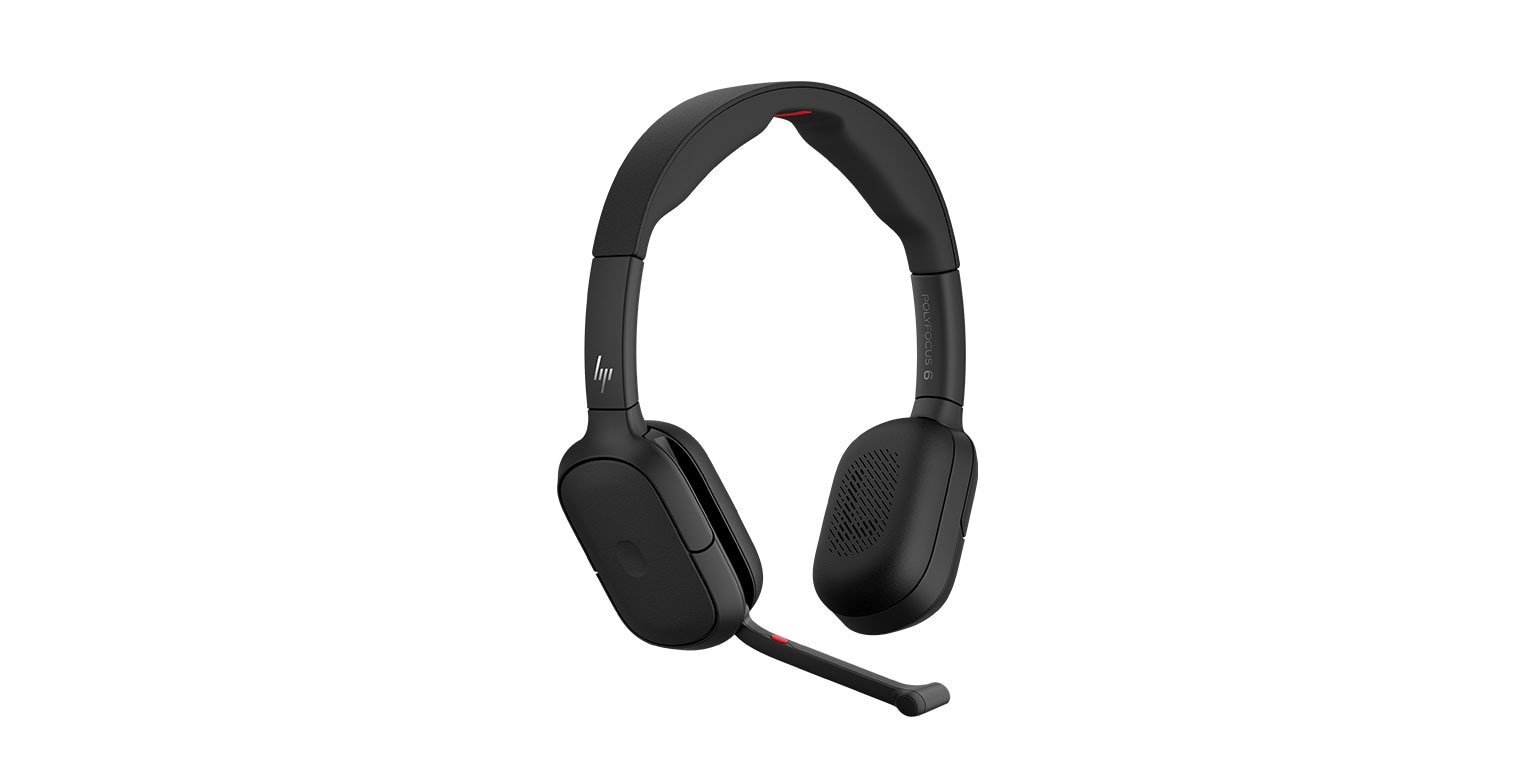






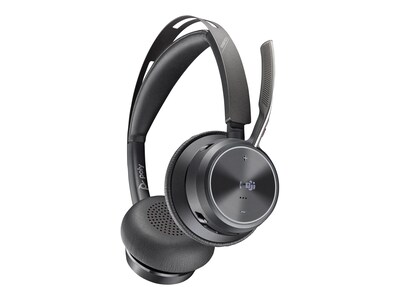
Headset Alternatives
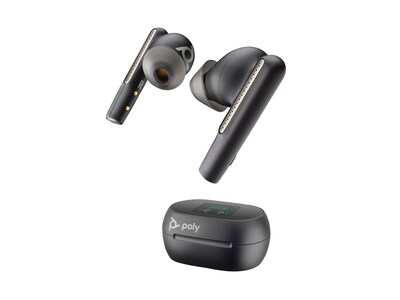
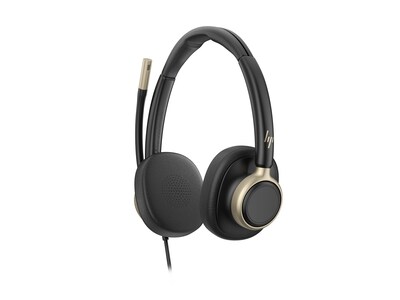
More from HP Poly
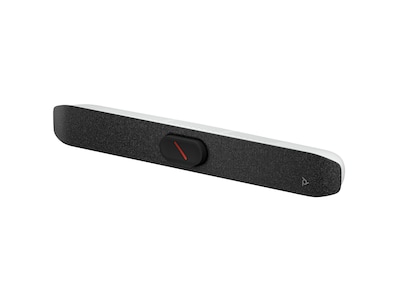

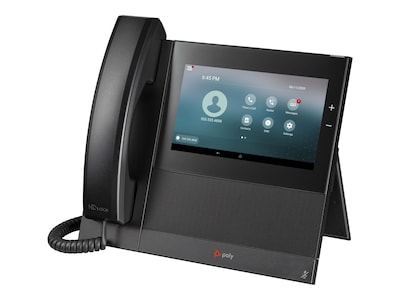

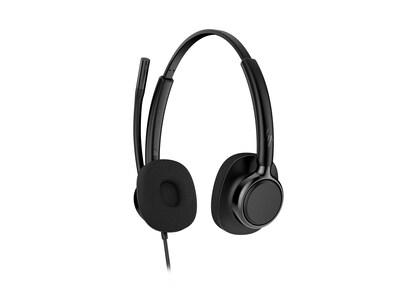
Poly Mission USB Series
USB Headsets for Call Intensive Environments
Hear and be heard clearly. Poly Mission USB headsets deliver clear audio and focused communication all day with:- Noise-canceling mics and AI noise reduction
- Lightweight design built for all-day comfort
- Quick and easy setup with USB-C and USB-A compatibility
- TCO 10 Certification
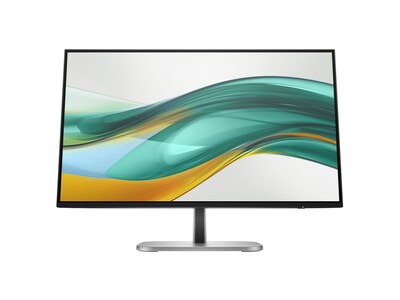
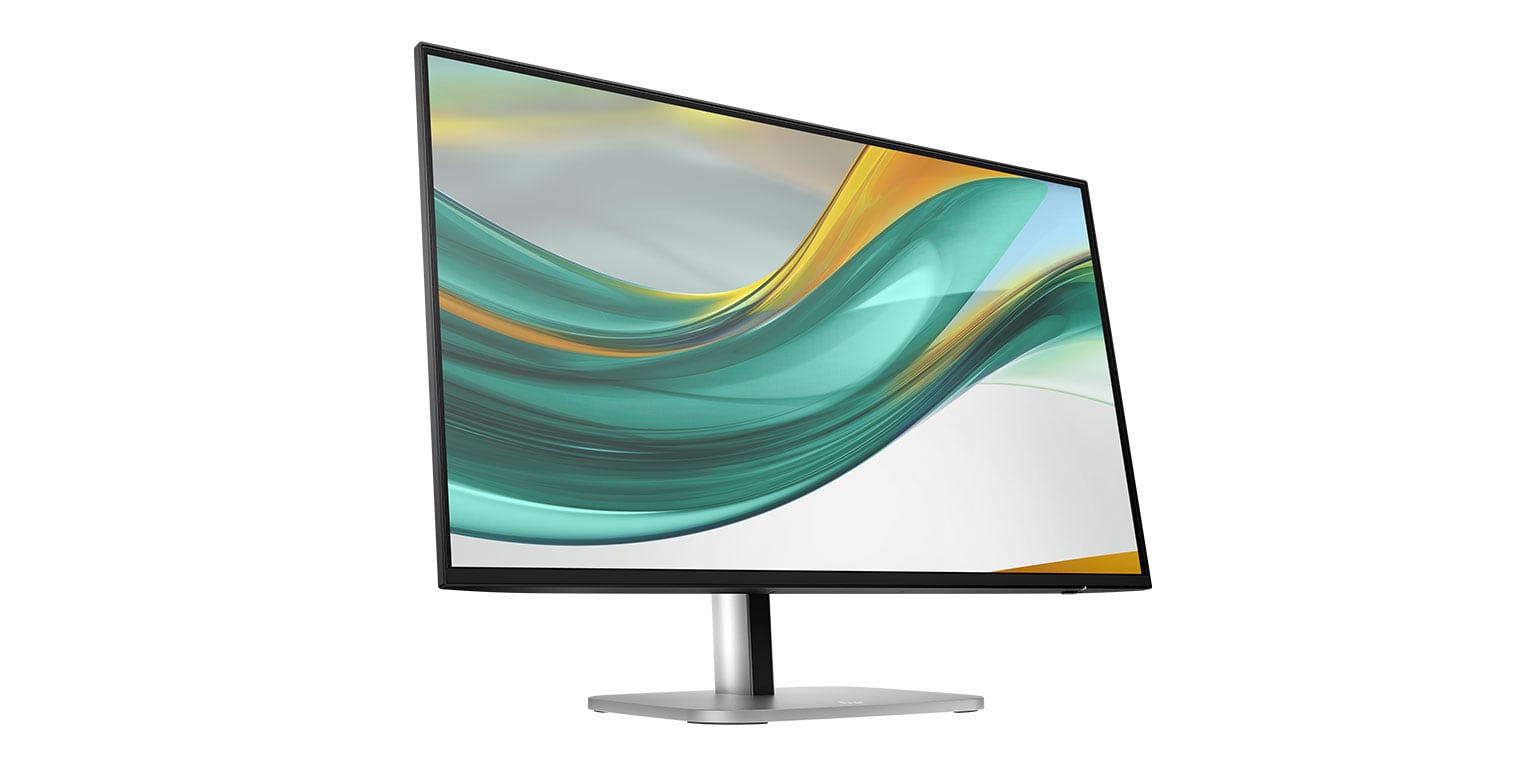
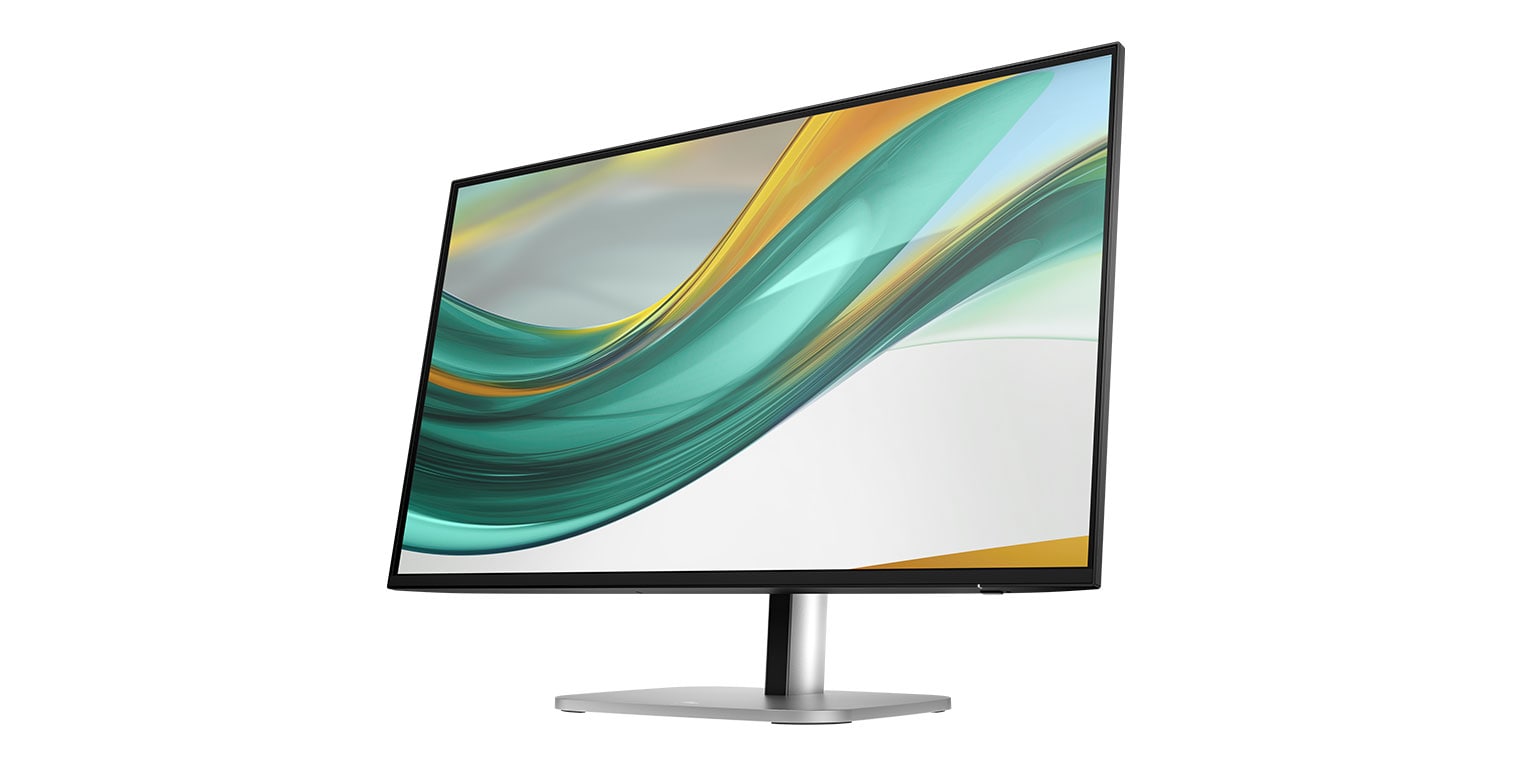
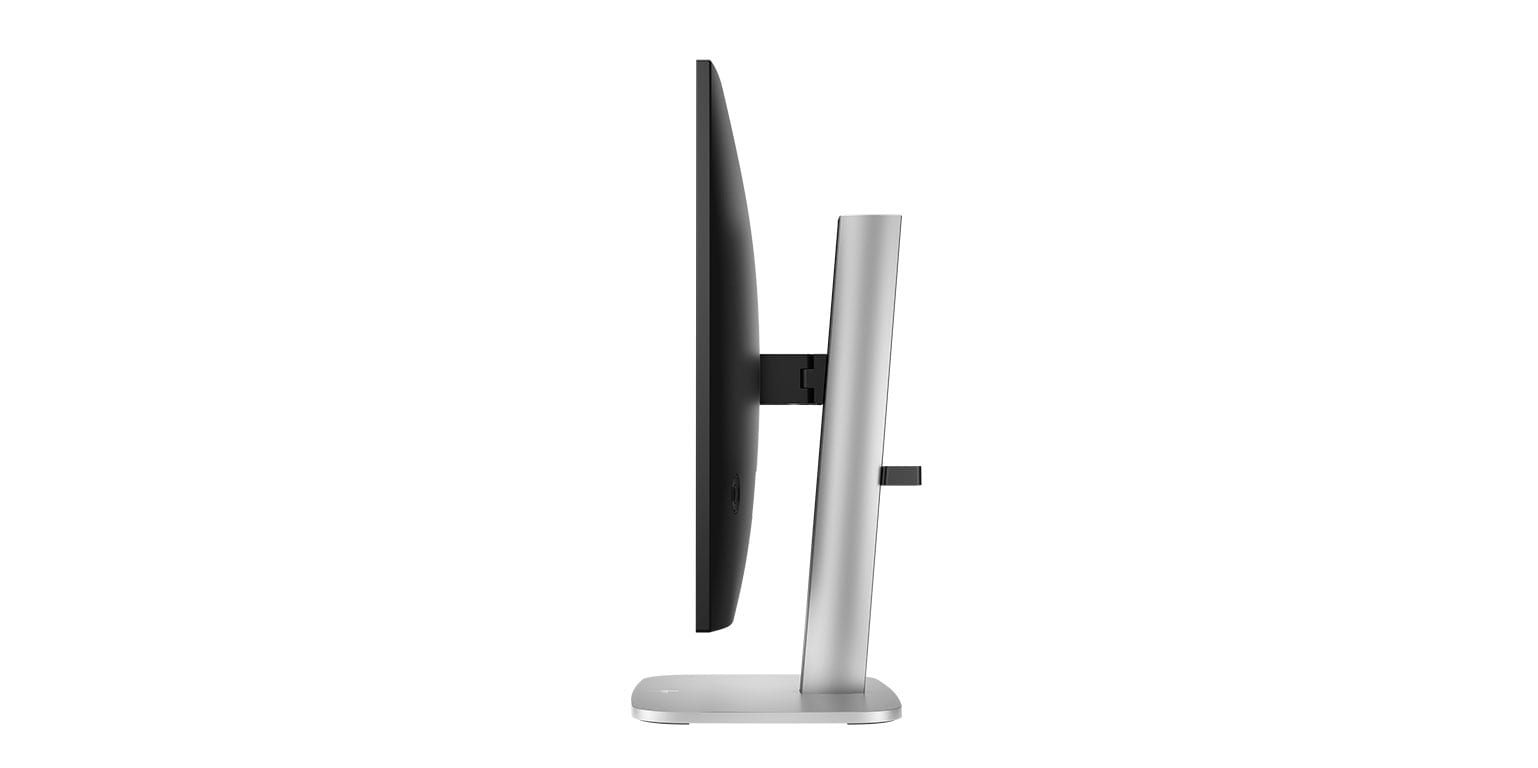
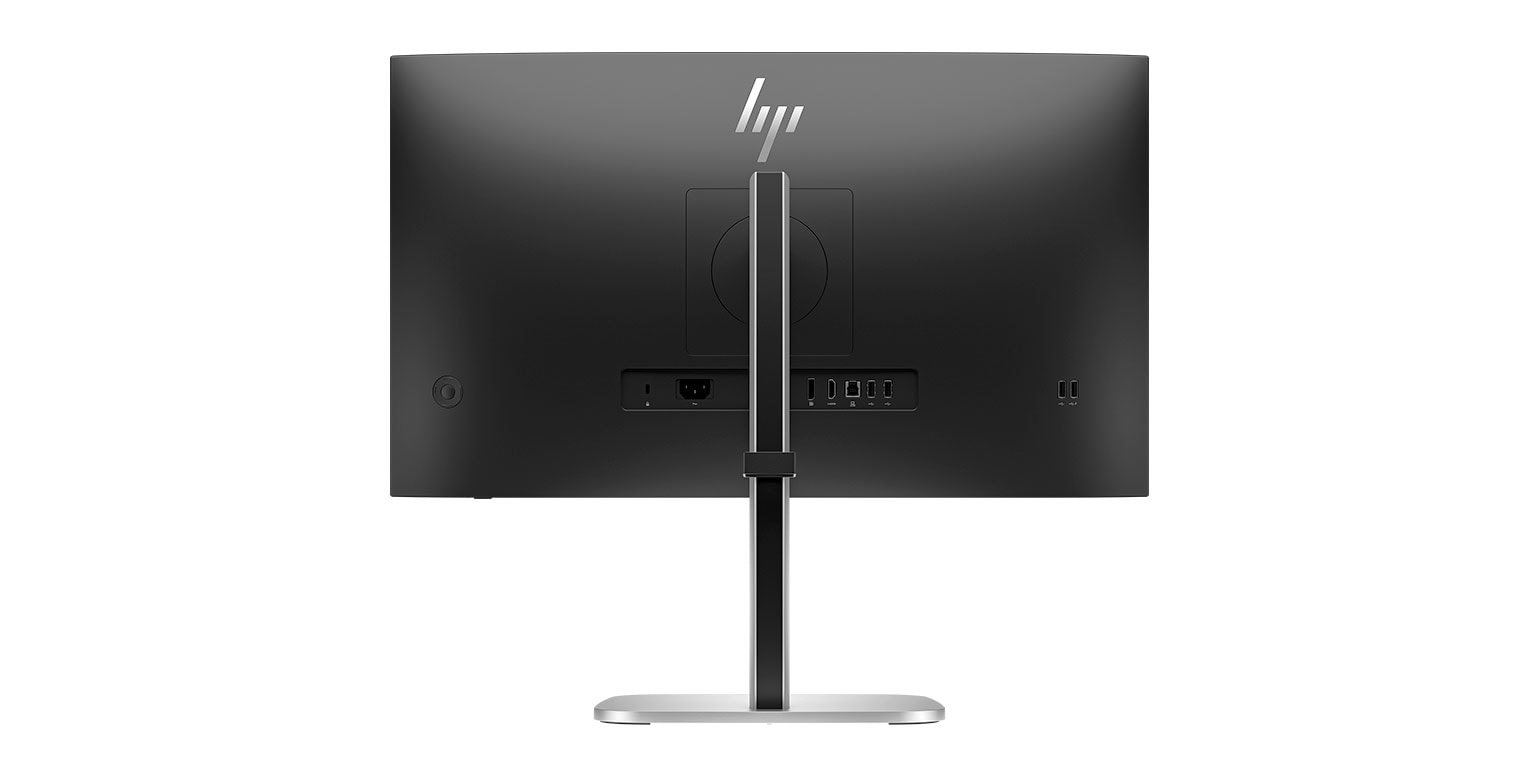
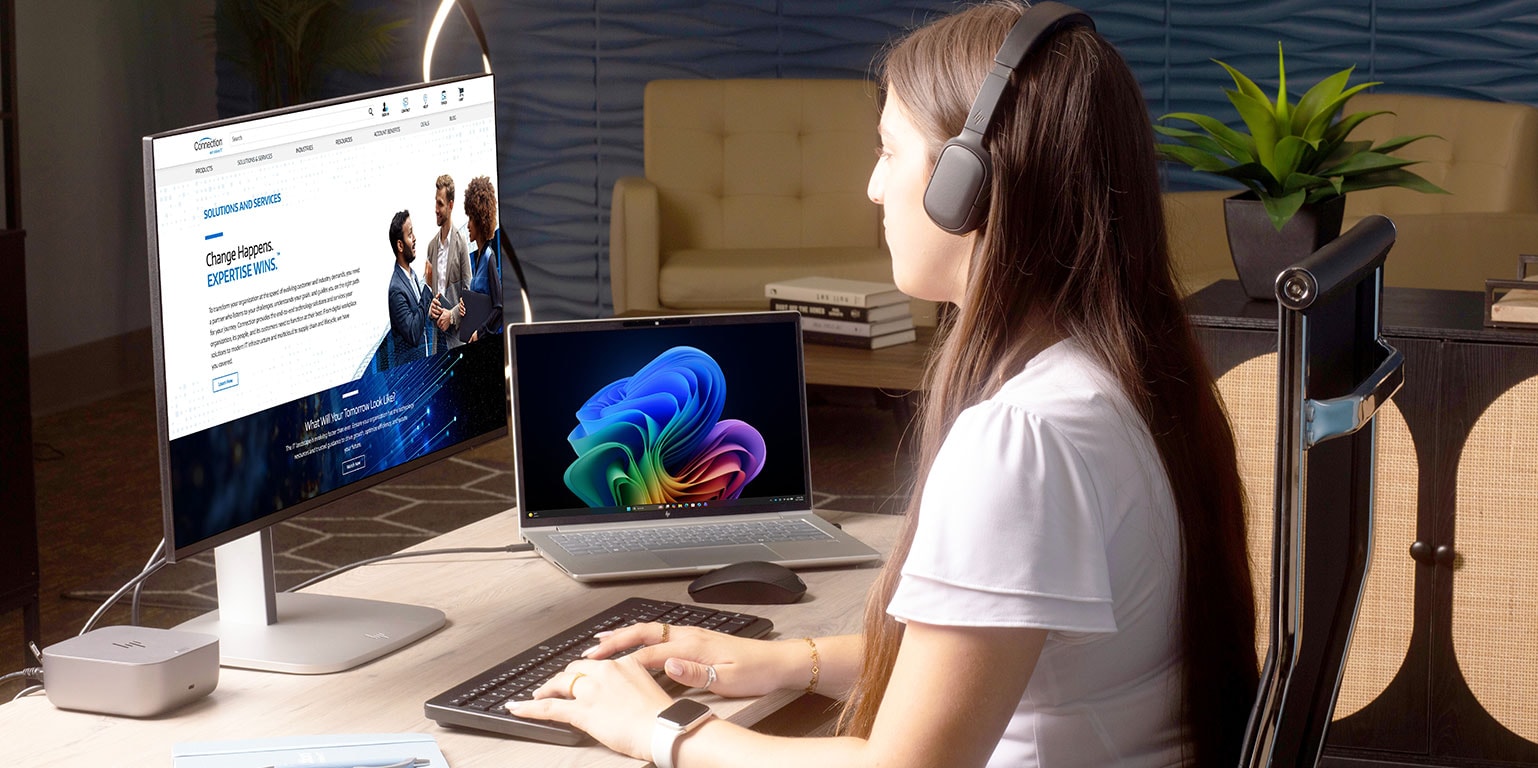
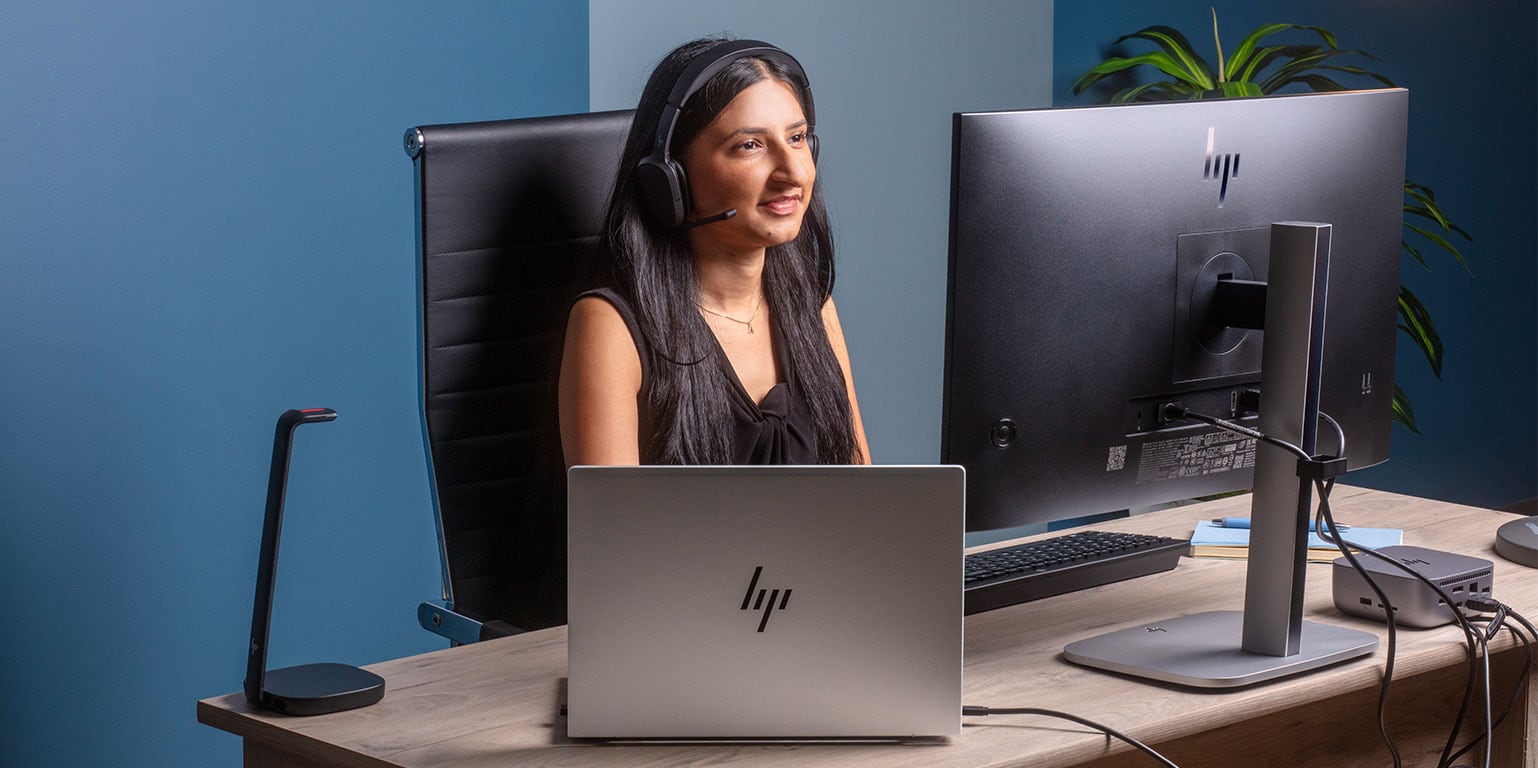
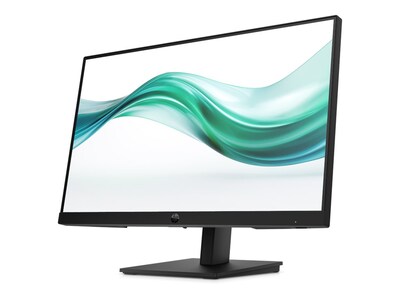
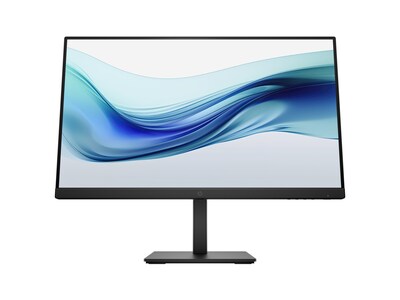
HP 27" Series 5 Pro 527pf Monitor

See your work come to life with bright, vibrant, consistent colors with 100% sRGB and HP Progressive White Balance built into a sleek, modern design.
3 Key Features

| 120Hz refresh rate for crisp, clear details while smoothly moving from frame to frame with a lightning-fast response. |

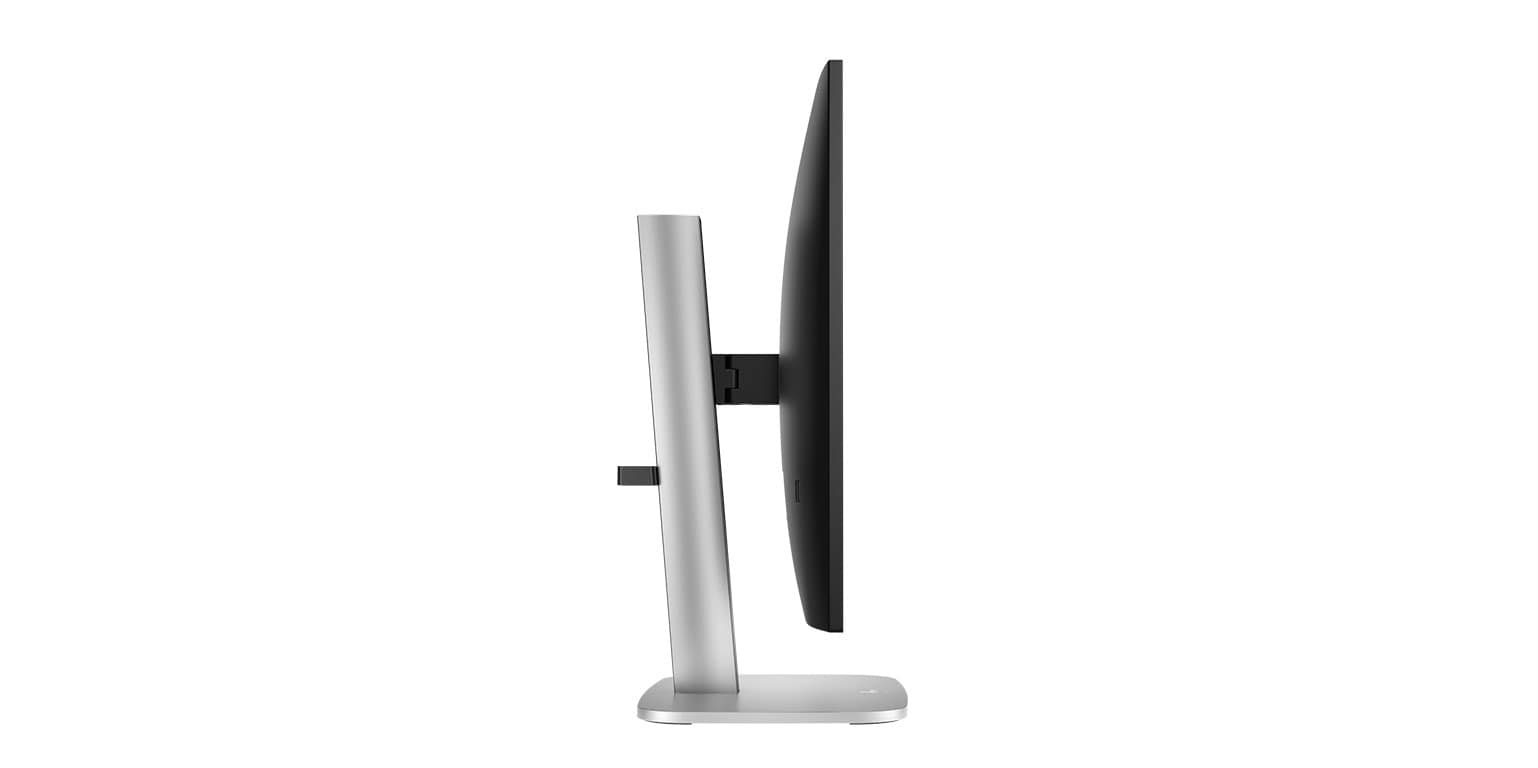
| Four-way adjustability lets you customize pivot, tilt, height adjust, and swivel settings to fit you, your desk, and your needs. |

| Hardware low-blue light keeps your eyes comfortable throughout the day by reducing blue light without impacting color accuracy or adding a yellow color shift. |
Materials That Make An Impact
- At least 90% recycled plastic content in the monitor’s enclosure*
- At least 90% recycled aluminum in the stand*
- At least 20% recycled glass in the monitor panel*
- 100% of the paper-based packaging is sustainably sourced or recycled**
- EPEAT® Gold with Climate + Registered†
- ENERGY STAR® Certified†

Sharper Visuals, Smoother Performance
See your work come to life seamlessly and lightning-fast, with clear details and consistent colors. All built into a sleek, modern design. Verified with devices running across OS, this monitor works with Mac and PCs.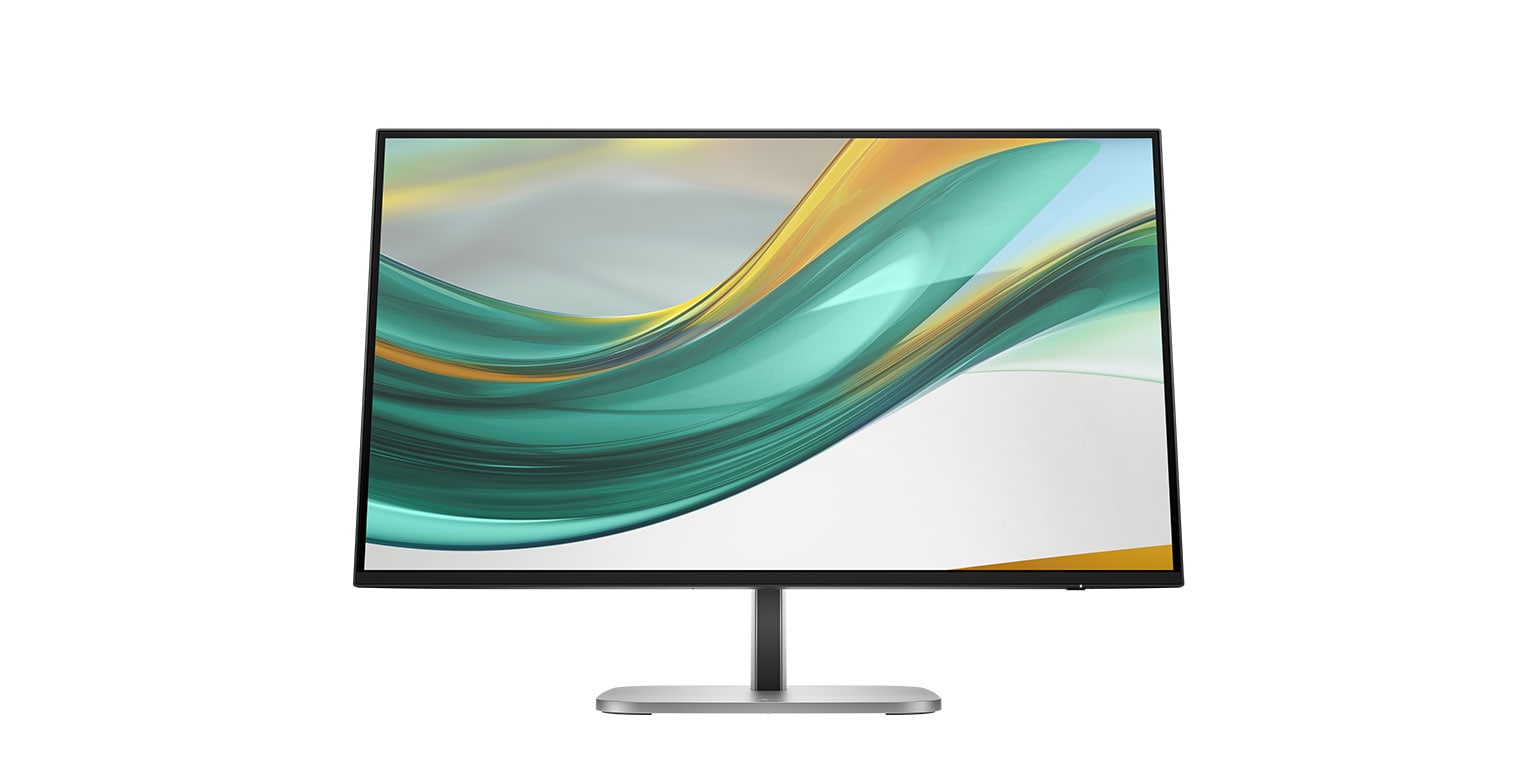


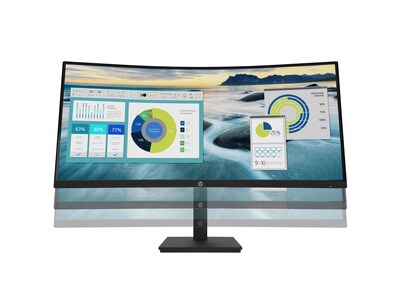
Monitor Alternatives
Complete Your Workspace
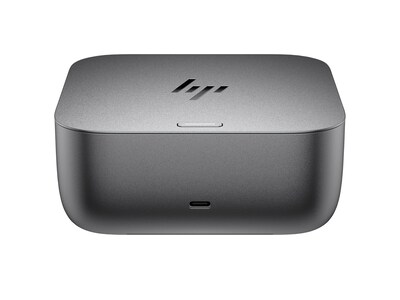
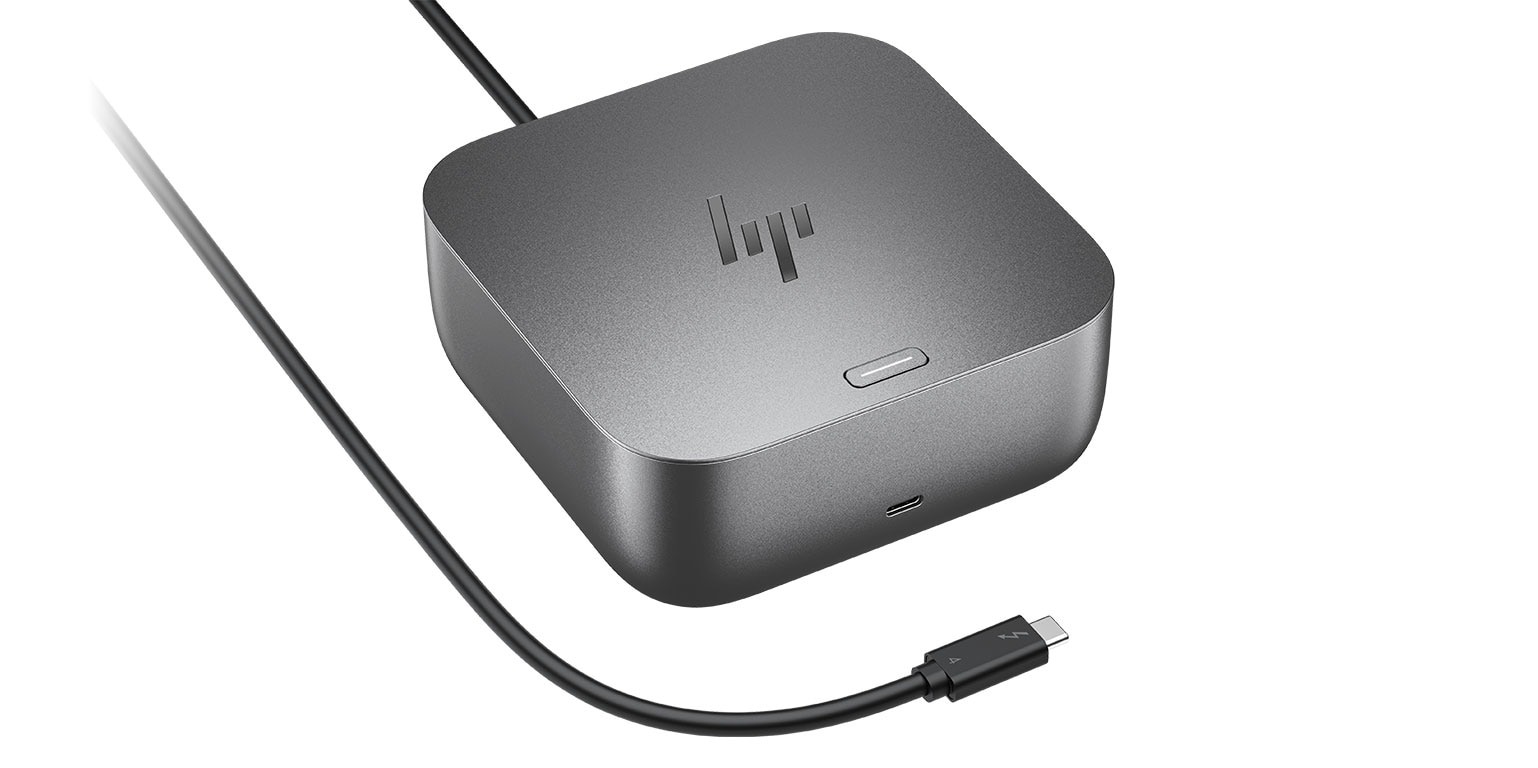
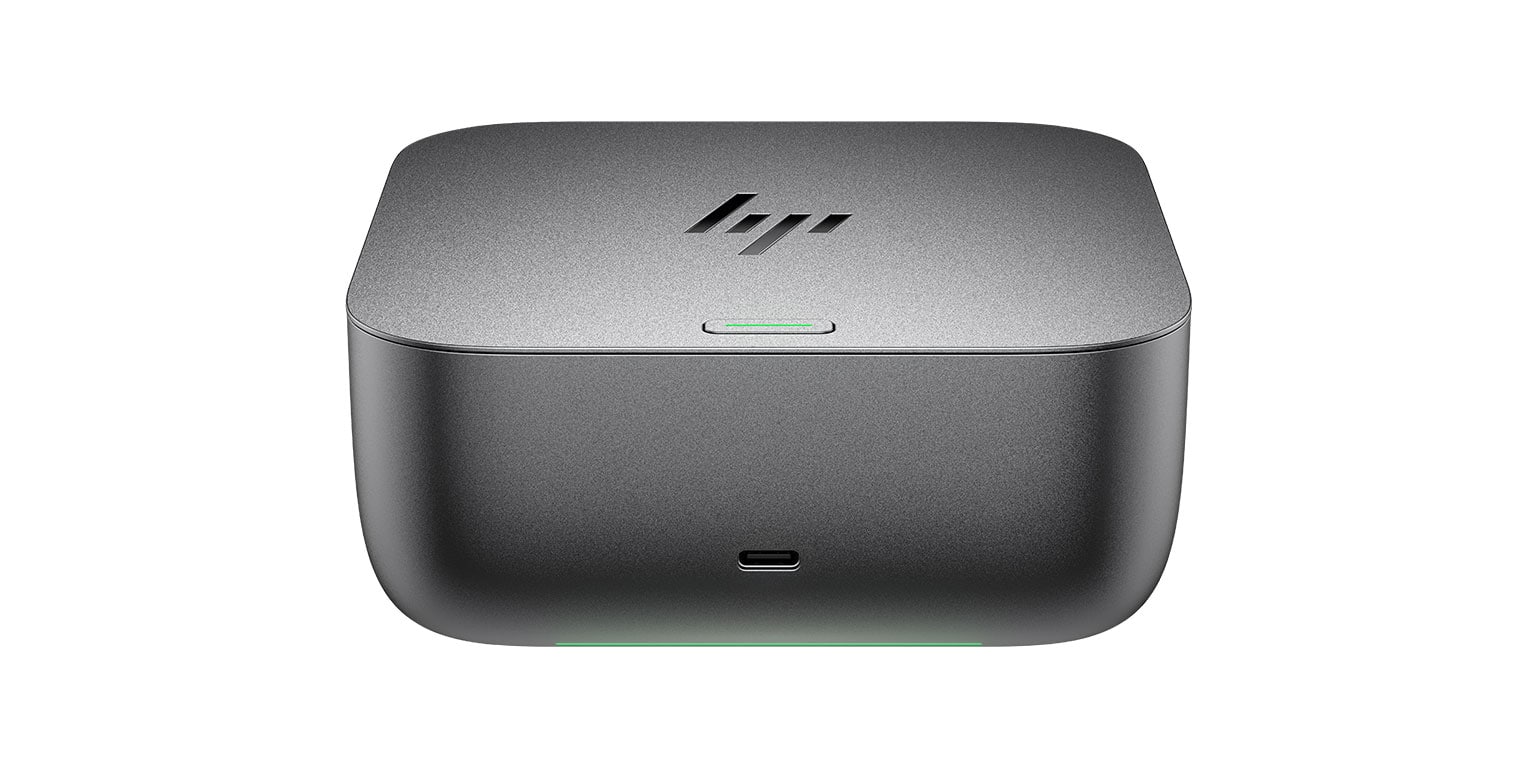
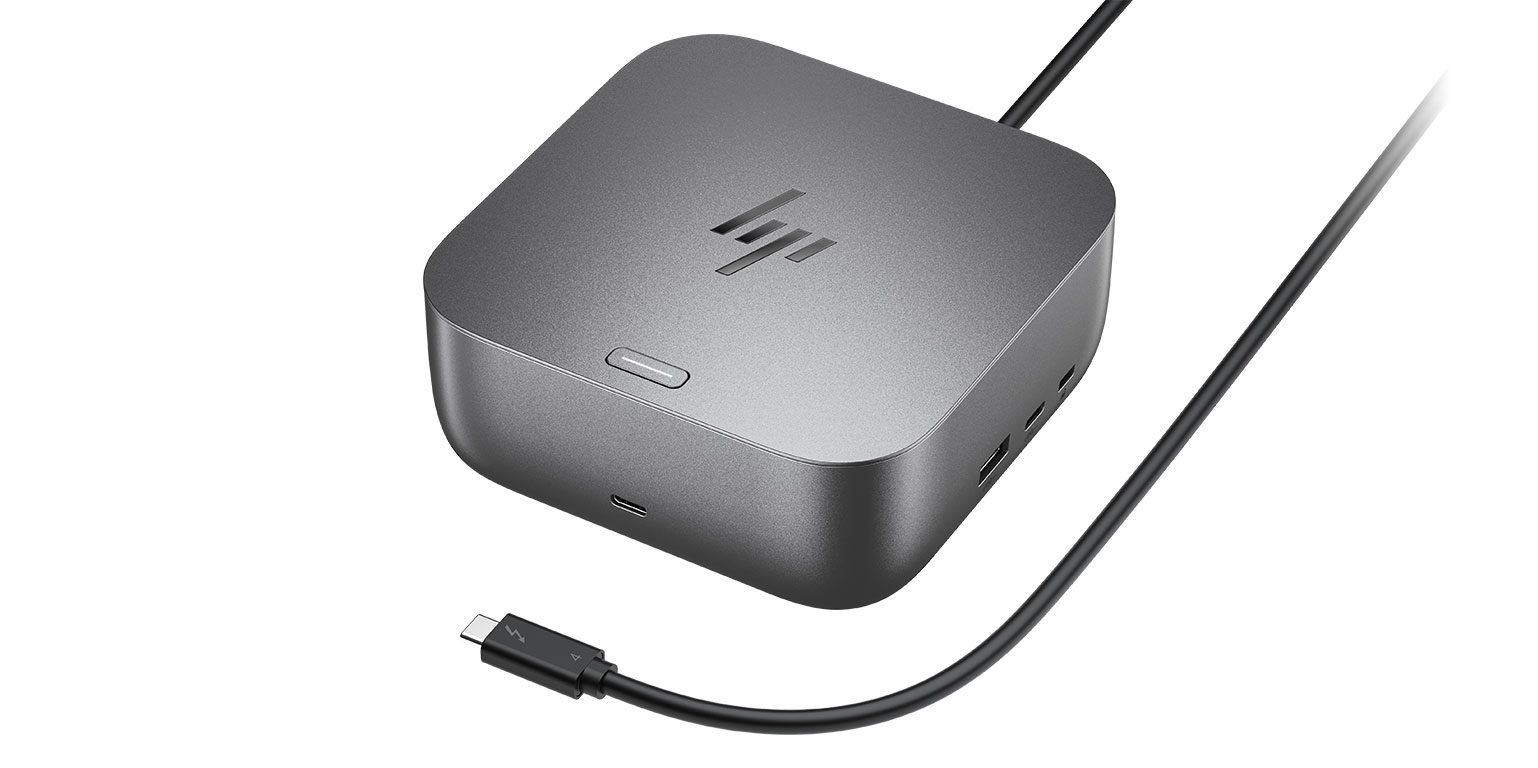
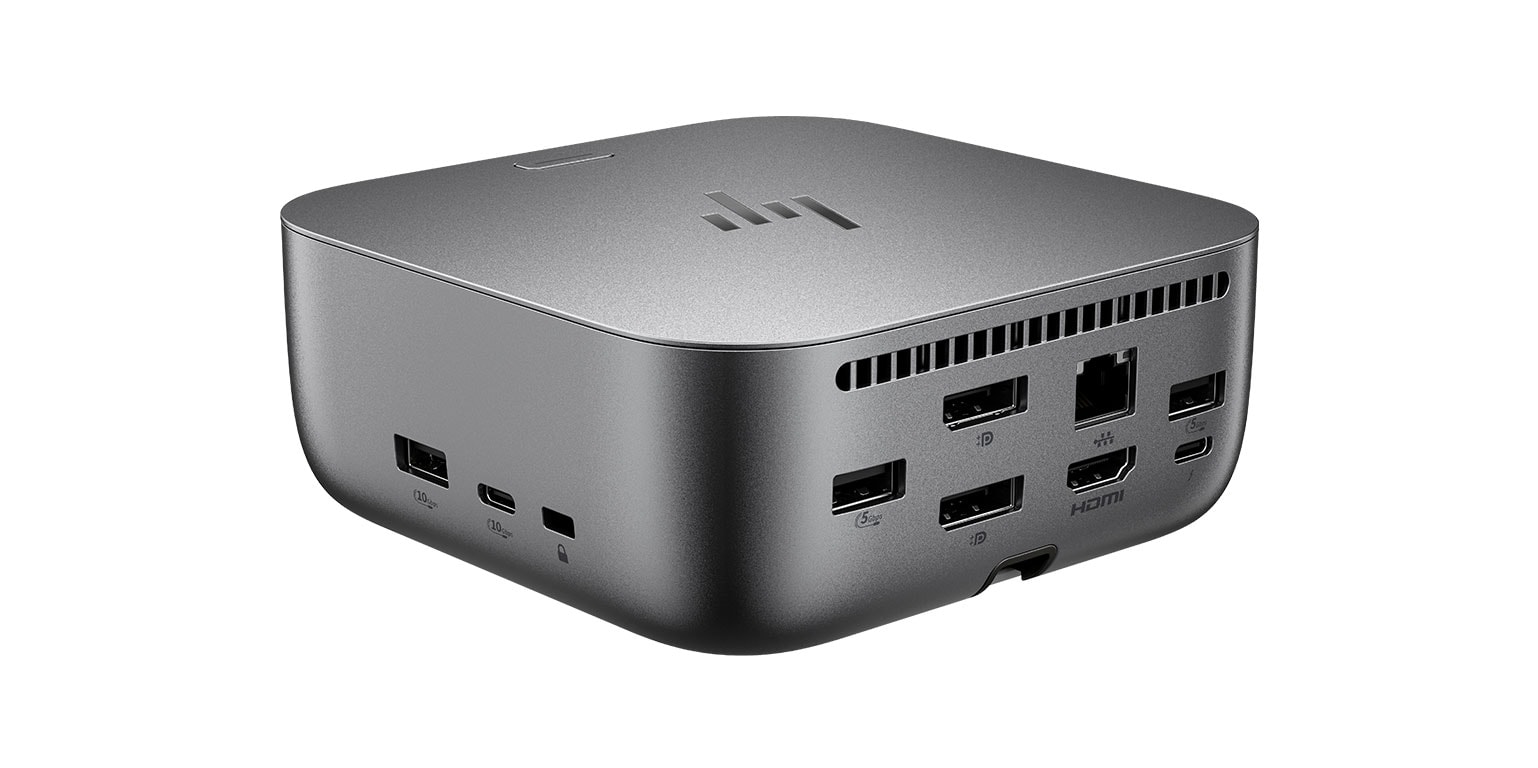
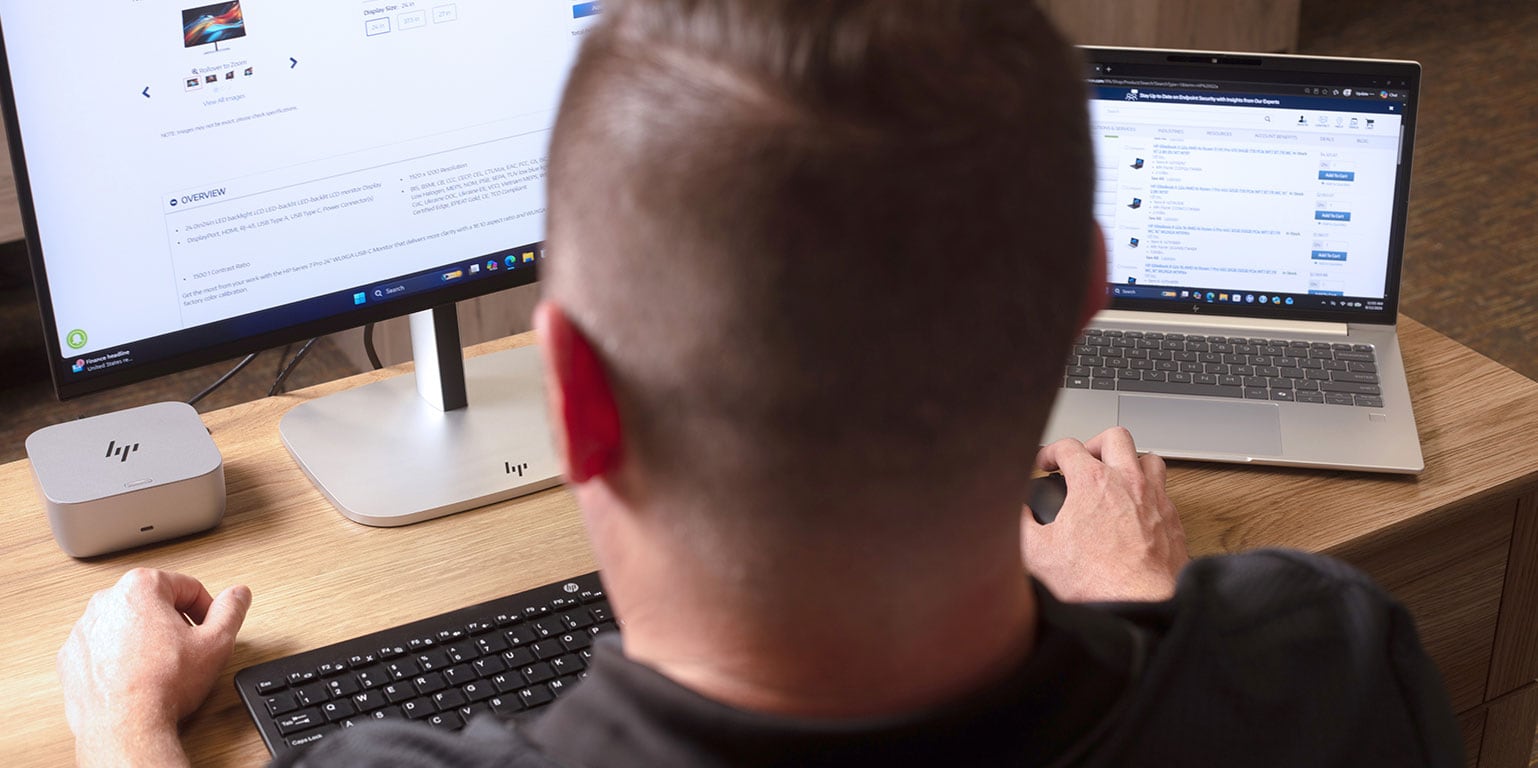
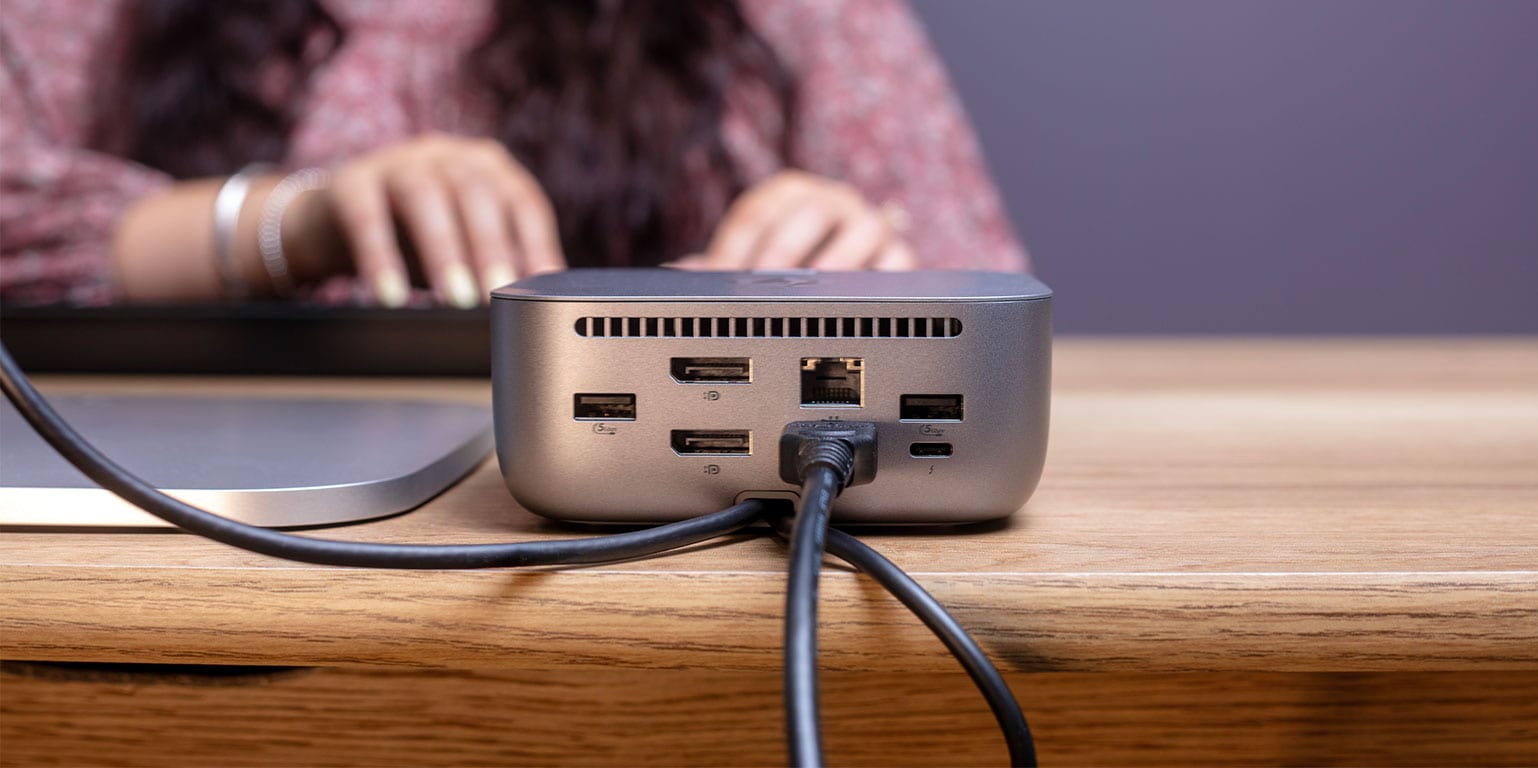
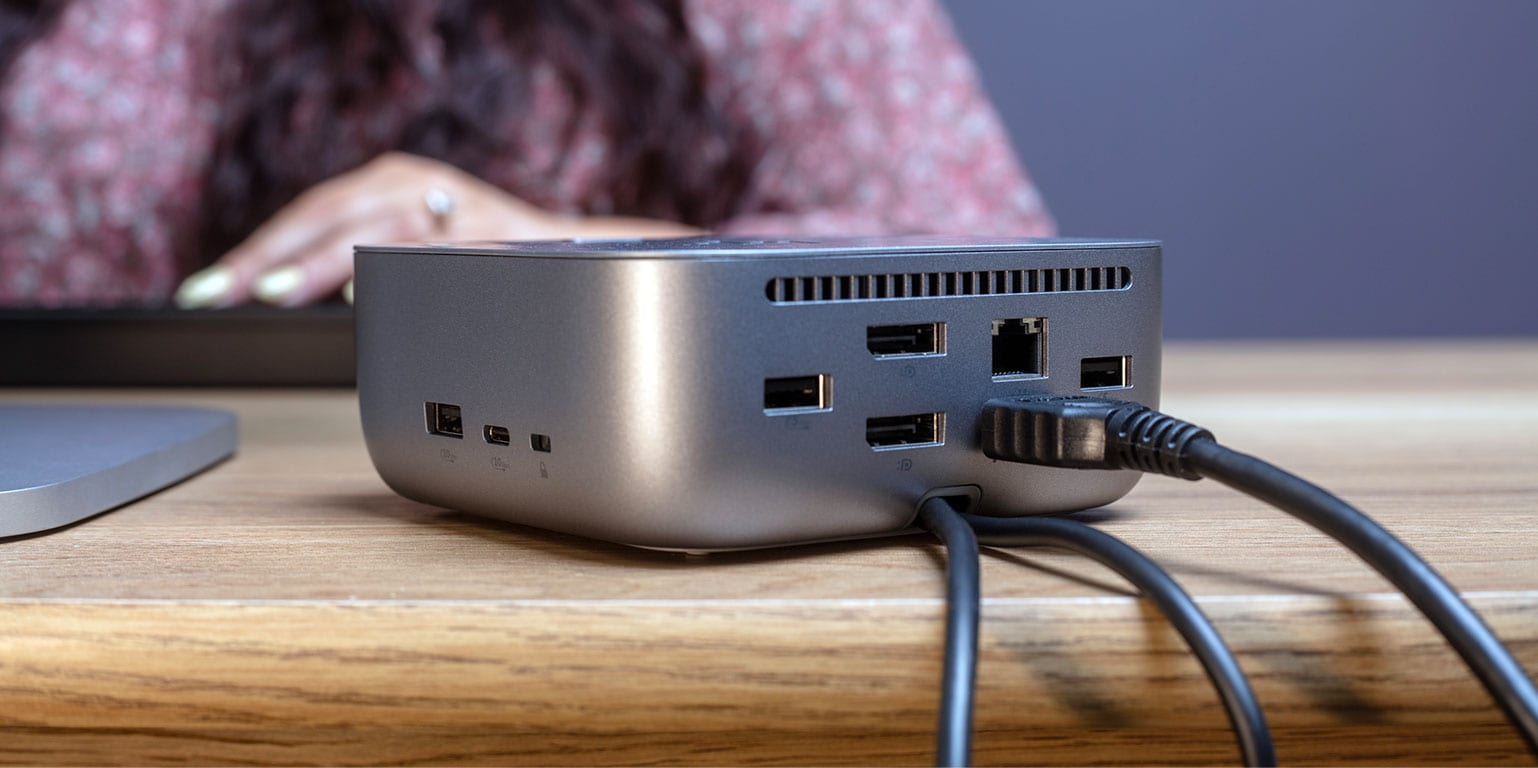
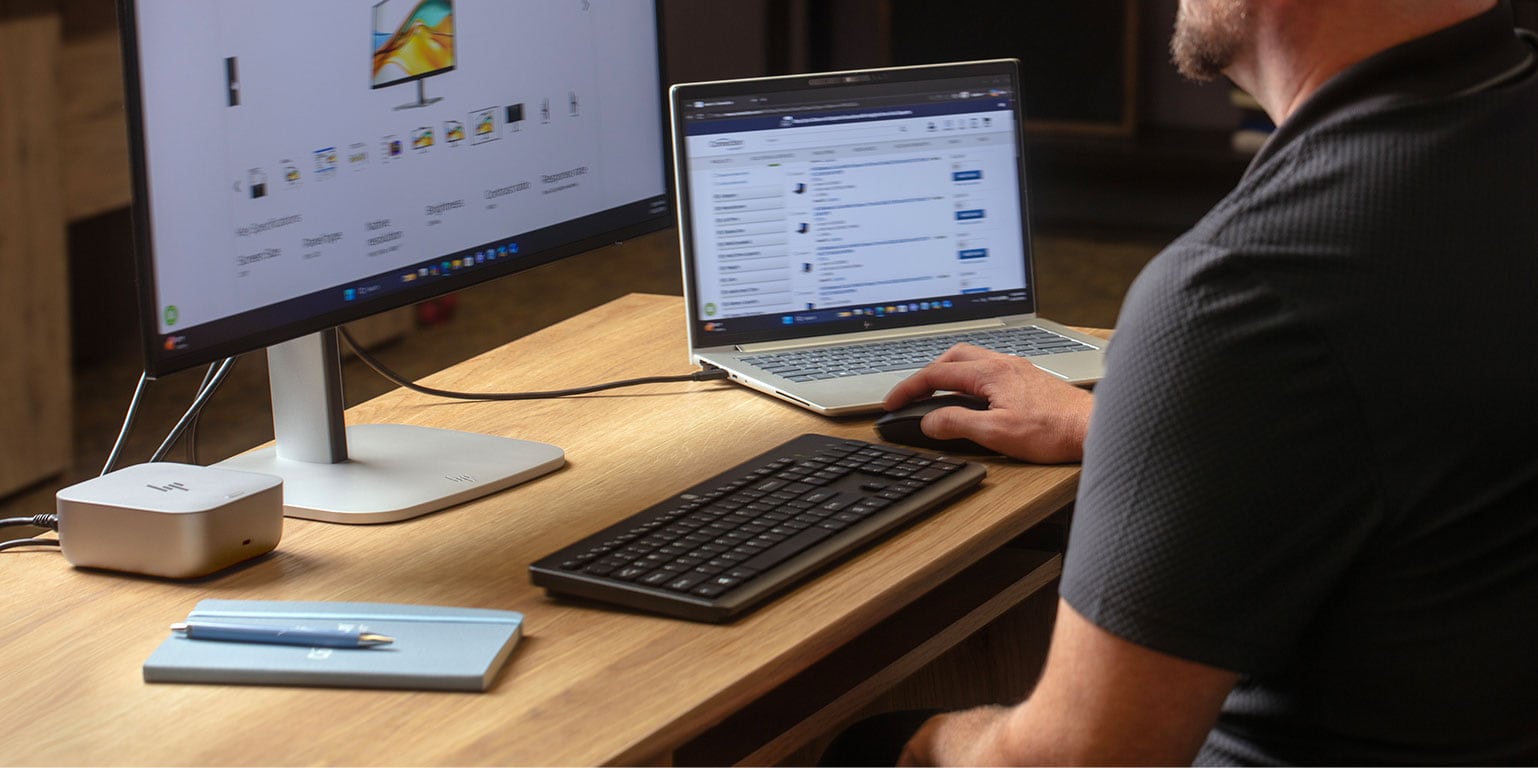
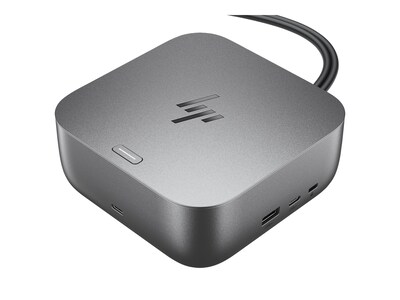
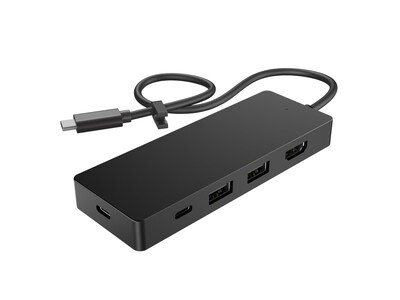
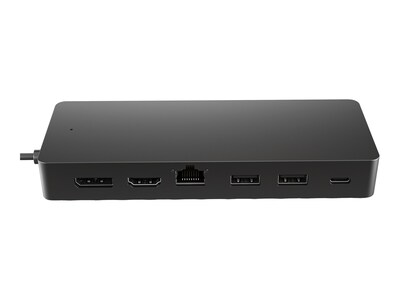
HP Thunderbolt Dock 4 G6

Work without interruptions and maximize productivity with ultimate power delivery from the HP Thunderbolt 4 G6. The dock offers hands-off management, quick device connection, high-speed Thunderbolt 4, cloud manageability, and end-to-end security with HP Wolf Security.
3 Key Features

| Supports up to four 4K external displays and up to one 8K display. |

| 3-year warranty: Includes technical support, diagnostic services, and hardware replacement. |

| Universal dock: Supports Windows 10 and 11, macOS, and ChromeOS; compatible with HP, Apple, Dell, Lenovo, and more. |


HP Dock Alternatives
Complete Your Workspace
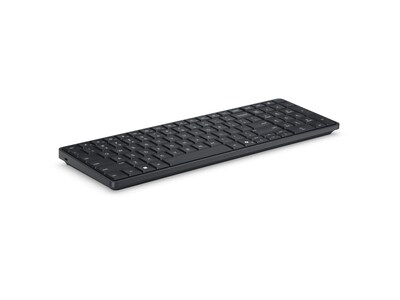
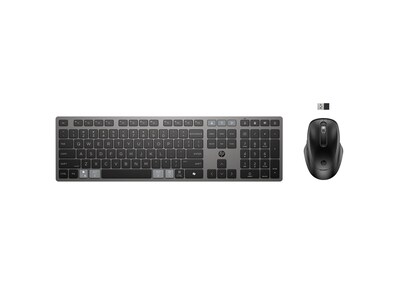
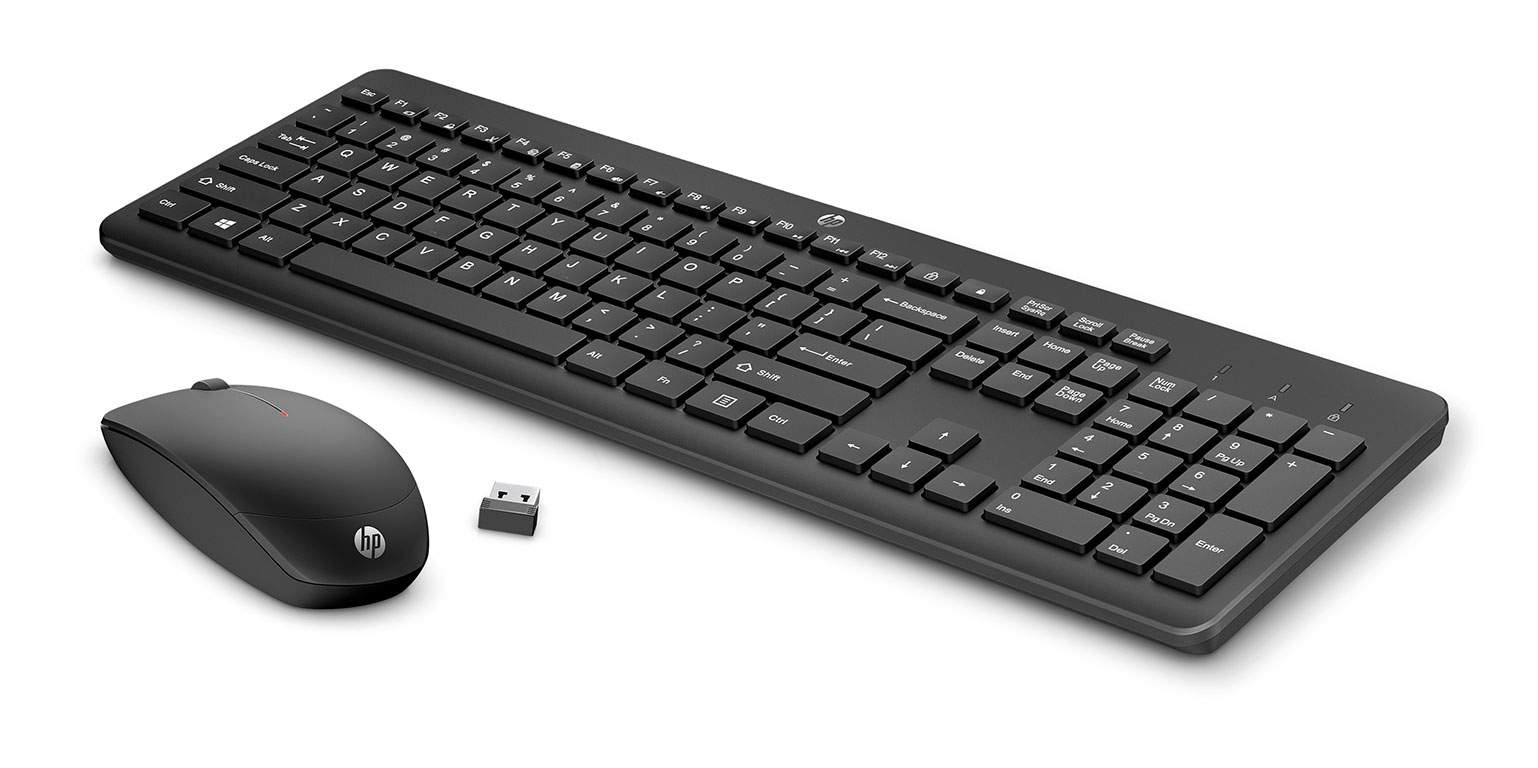
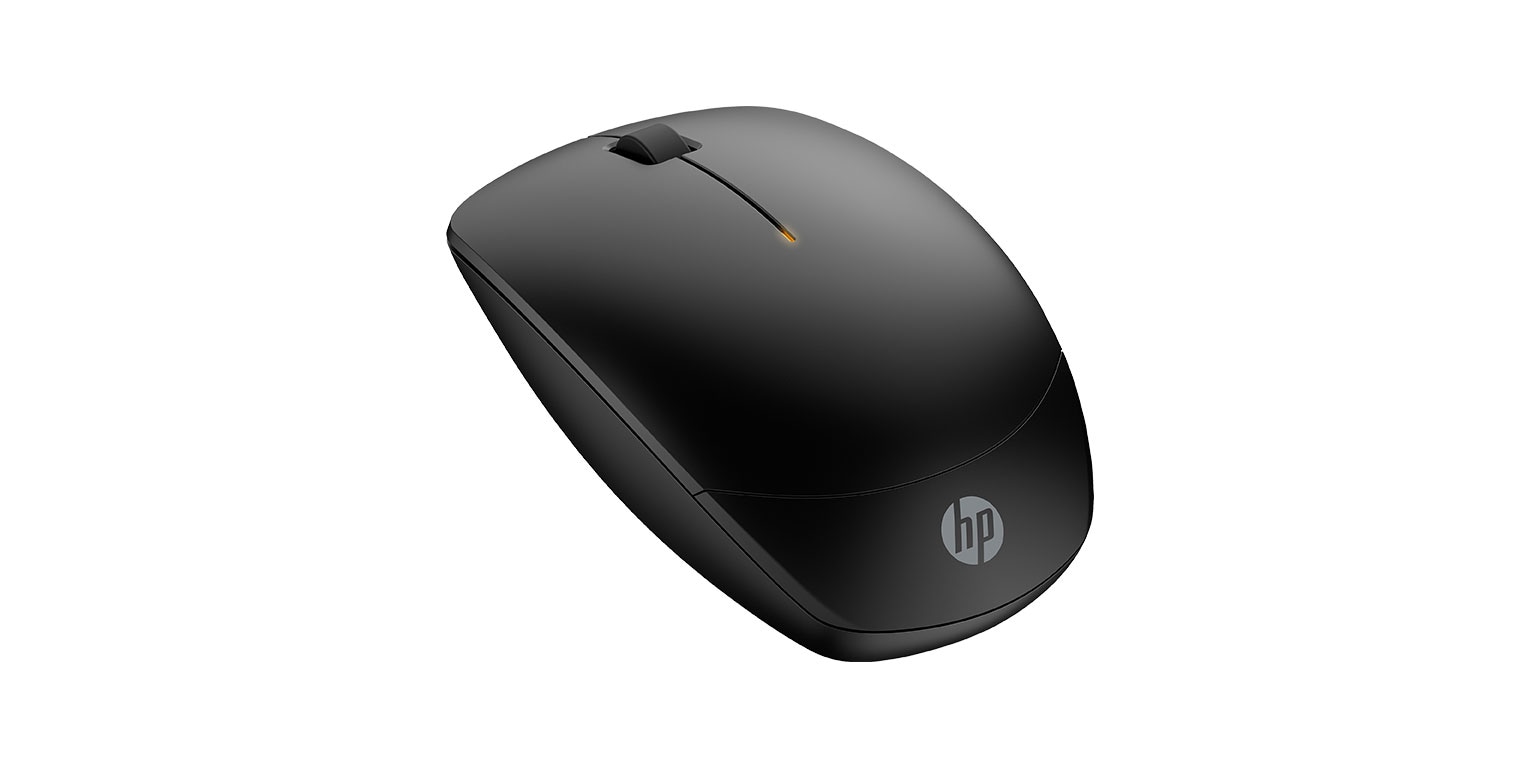
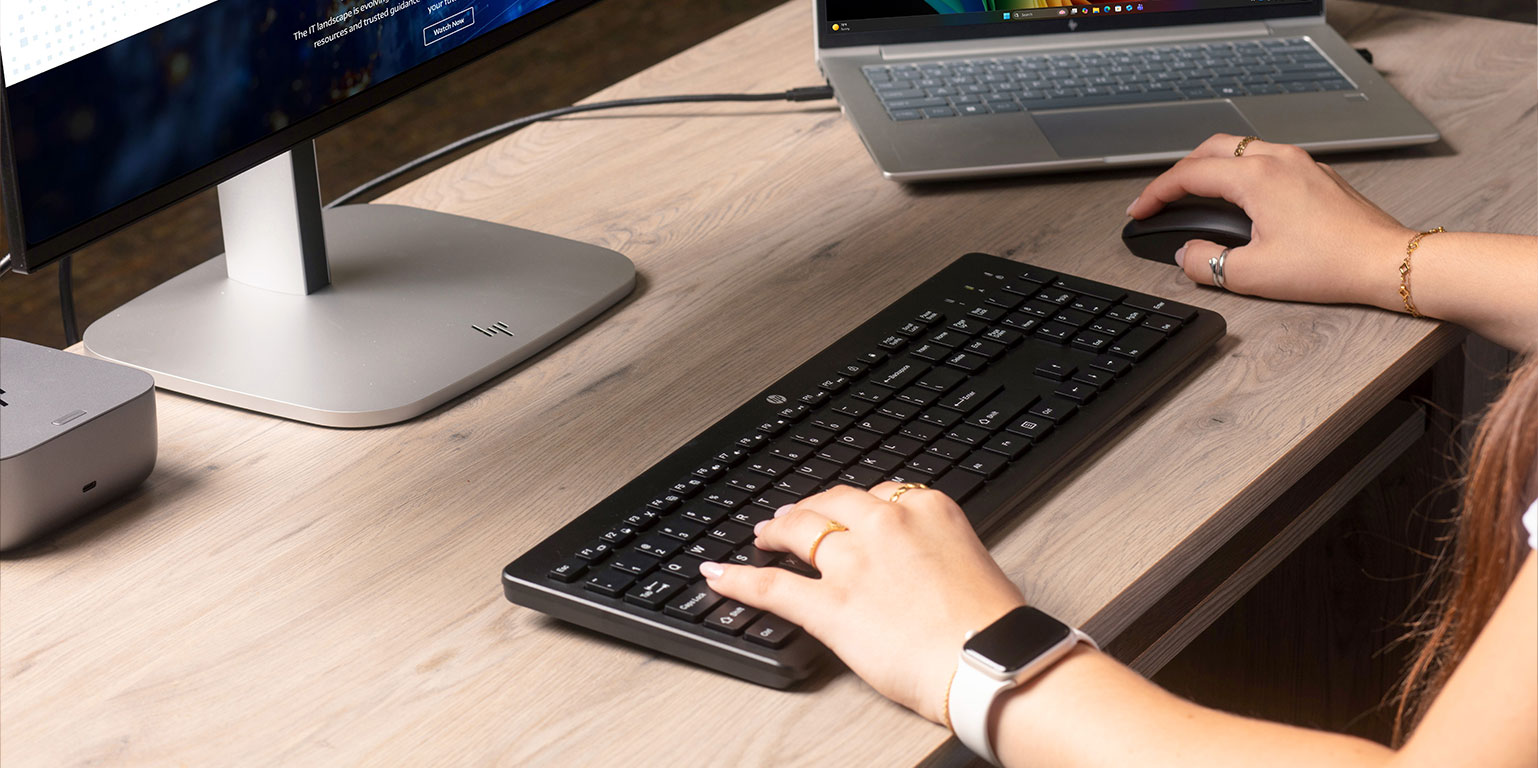
HP 235 Wireless Mouse and Keyboard Combo

Experience a keyboard and mouse combo that’s comfortable, sleek, and quiet. Now you can be at your most efficient with the least amount of noise. Plus, with keyboard shortcuts and long-lasting batteries, you can stay productive all day long.
3 Key Features

| Long battery life with a keyboard that lasts up to 16 months and a mouse that lasts up to 12 months. |

| Move around lag-free with a 2.4GHz wireless connection |

| Be more agile in your mouse movements with up to 1600 DPI resolution. |





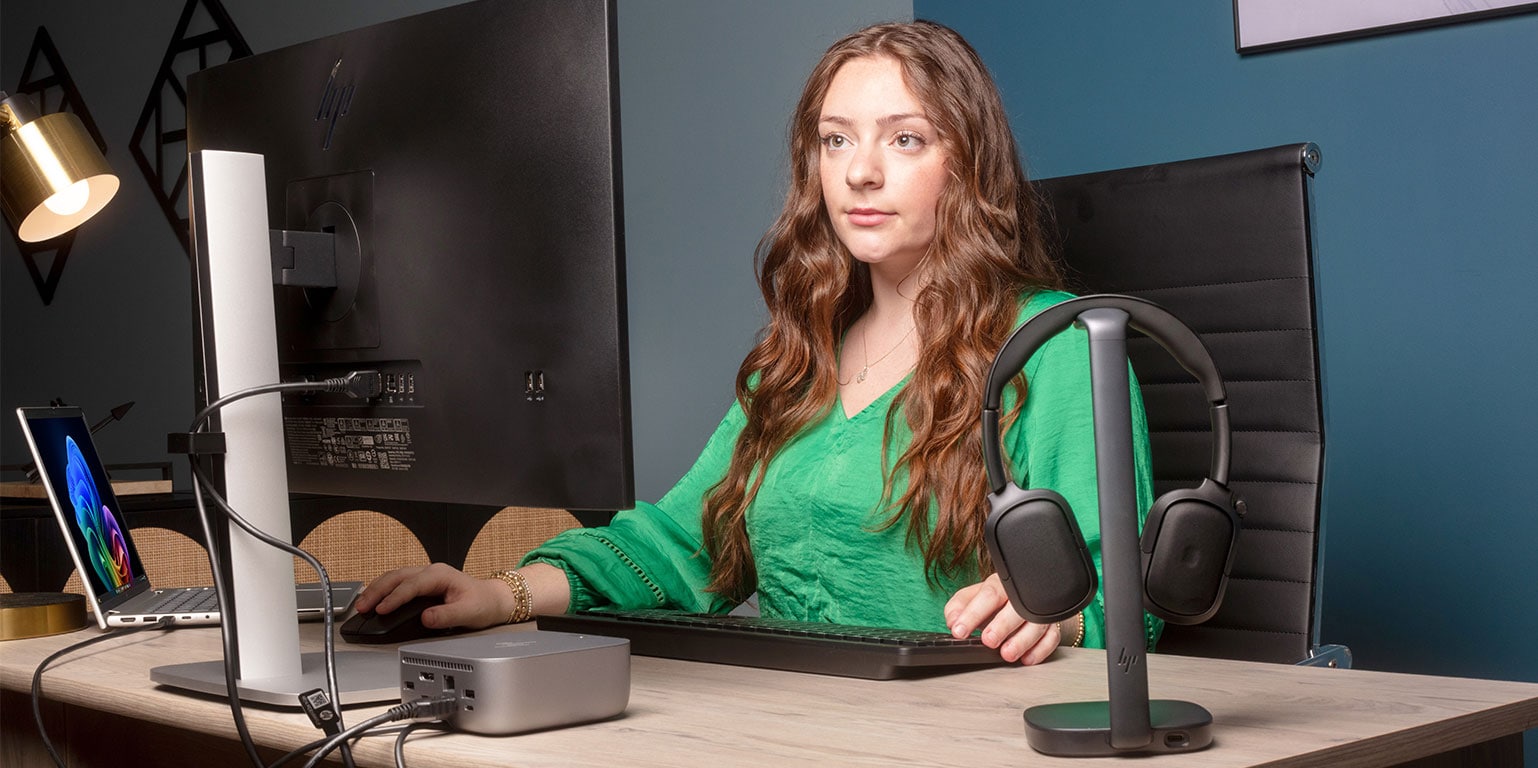
More from HP

Power Through Your Heaviest Workloads
HP Z Workstations drive the most complex professional workflows, from AI development and data analysis to real-time rendering, 3D design, and animation. Learn why HP Z Workstations are ideal for creative professionals, architects, product engineers, data analysts, and more.
Work Doesn’t Have to Feel Like Work
Make more time in your day for the work that really matters with AI solutions that adapt to you.
Go Beyond for a Better World
In 2025, 47% of the 814,000 tons of materials used in HP products and packaging came from reused, recycled, or renewable sources, and 96% of HP home and office printers, desktops, notebooks, displays, and workstations shipped to customers contained recycled content.* Recycled plastic is expressed as a percentage of the total weight plastic. Post-consumer recycled is based on the definition set in the EPEAT criteria. Percentage of recycled glass in the monitor panel varies by product. Recycled glass is expressed as a percentage of the total weight of the glass. Recycled metal is expressed as a percentage of the total weight of the metal according to ISO 14021 definitions for metal parts over 25 grams.
** HP paper and fiber based packaging for PCs, displays, home and office print, and supplies is reported by suppliers as recycled or certified, with a minimum of 97% by volume verified by HP. Packaging is the box that comes with the product and all paper-based materials inside the box. Packaging for personal systems accessories and spare parts is not included.
† Packaging parts contain certified or recycled fibers and are typically recycled in your local paper/carton recycling bin, consult your local guidelines.
** HP paper and fiber based packaging for PCs, displays, home and office print, and supplies is reported by suppliers as recycled or certified, with a minimum of 97% by volume verified by HP. Packaging is the box that comes with the product and all paper-based materials inside the box. Packaging for personal systems accessories and spare parts is not included.
† Packaging parts contain certified or recycled fibers and are typically recycled in your local paper/carton recycling bin, consult your local guidelines.
Ready to Futureproof Your Workspace?
Build a smarter, more secure, and sustainable workspace with HP’s latest innovations. Connection’s team of IT professionals is here to help you select, deploy, and manage the right HP solutions for your business.
09